
 AccountEdge is Powerful, Easy-to-Use Desktop Accounting Software for Small Businesses on Mac or Windows
 Powerful, but Simple
Whether selling products, offering services, or billing for time, hundreds of thousands of small businesses have depended on AccountEdge since 1989.
Sales are a critical component of your business. Create and send invoices to customers for products, services, or time. Track payment status on sales.
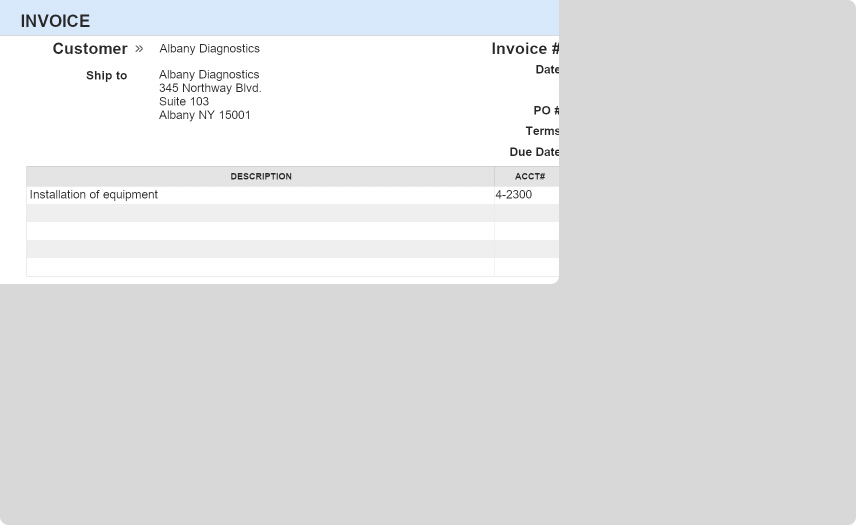 Create new sales for your inventory items, services offered, time worked, or miscellaneous sales. Set up recurring transactions based on your schedule.
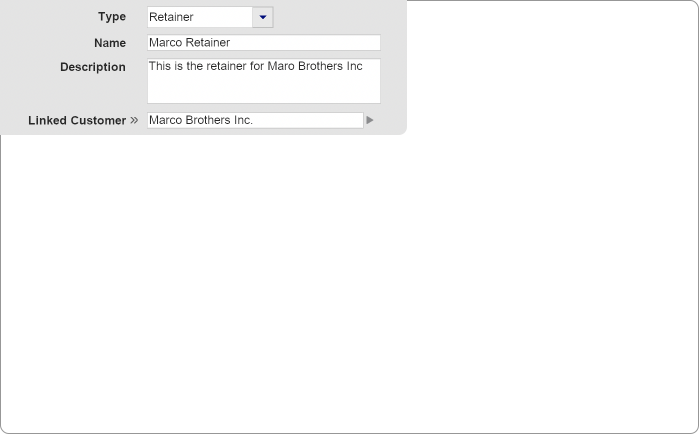
Spend and receive escrow funds, request replenishment, and provide your clients with a complete statement of transactions.
 Accept credit card payments with an AccountEdge Merchant Account — compatible with both AccountEdge on the desktop and with AccountEdge Connect. Competitive rates and seamless integration.
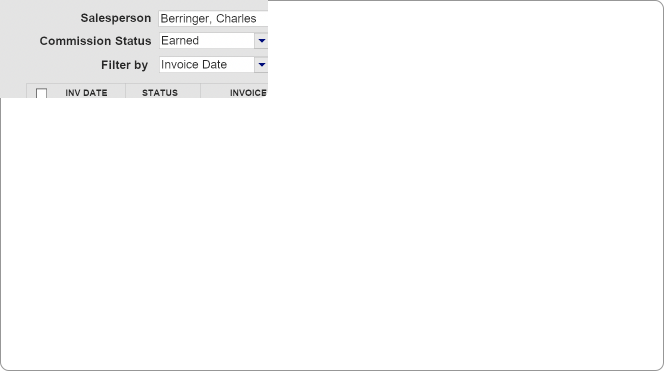 Define commission structures based on items or activities as a percentage or dollar amount. Set up commissions to be paid when the sale is created or when payment is received, then print a check or include it with your payroll processing.
Manage your purchases and expenses. Track your vendors, payments, and recurring transactions.
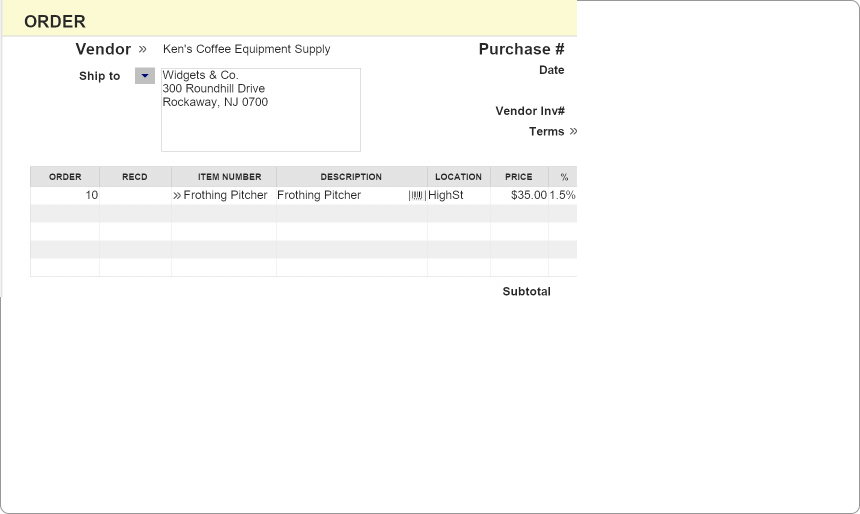 Create and track your open and closed purchase orders. Receive items to your inventory from a purchase order without reentering data.
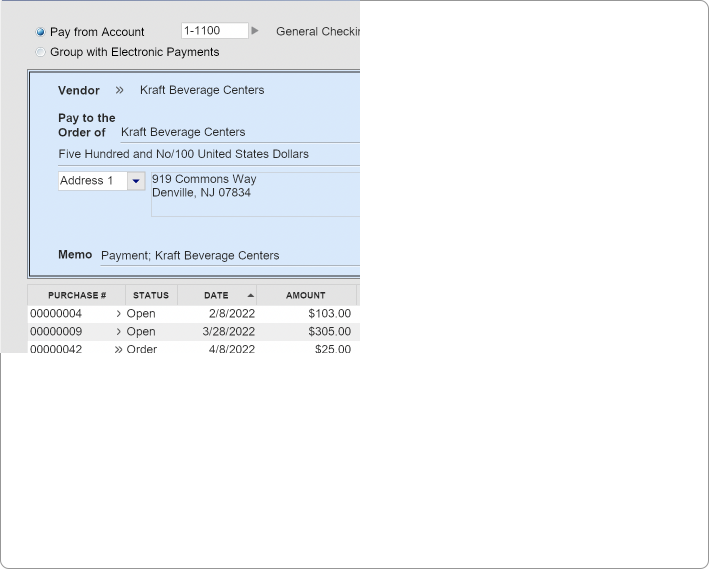 Manage open payables by the vendor and create ACH electronic payments, print a check, or record payments manually.
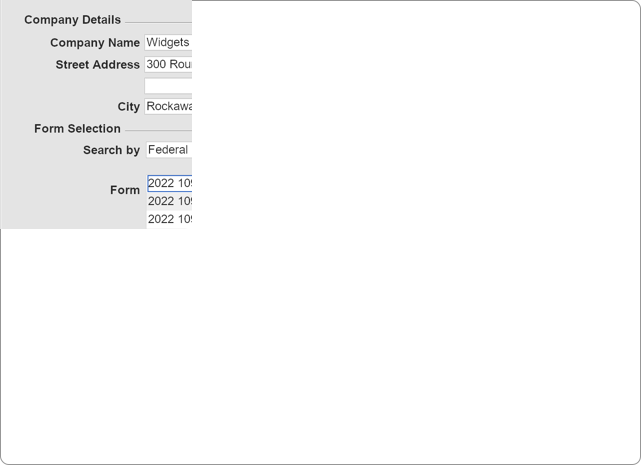
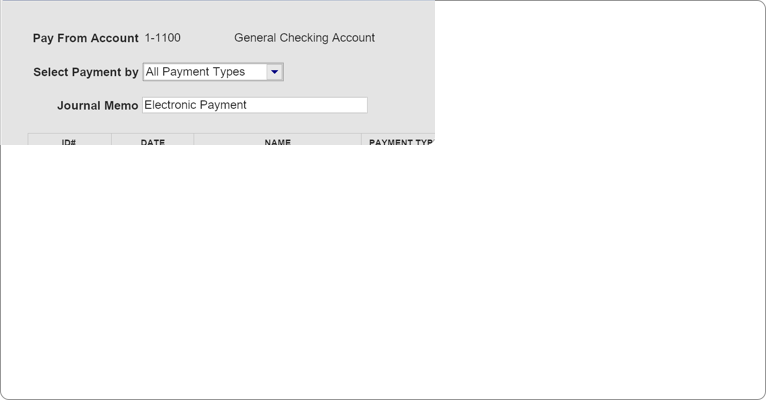 Use our optional service to pay vendors electronically via ACH transfer or direct deposit for employee paychecks.
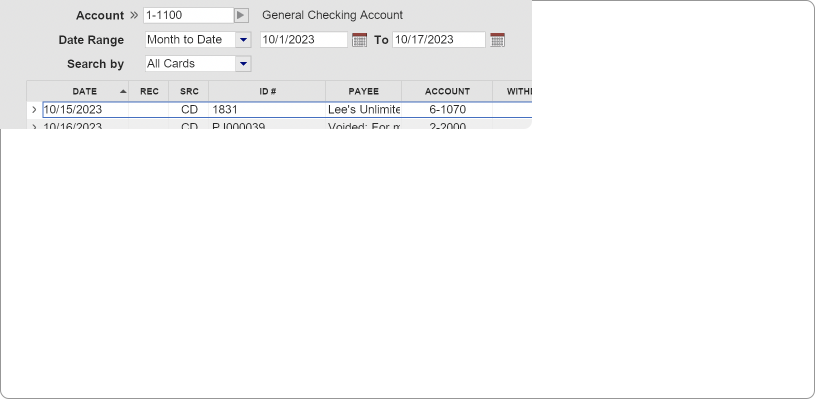
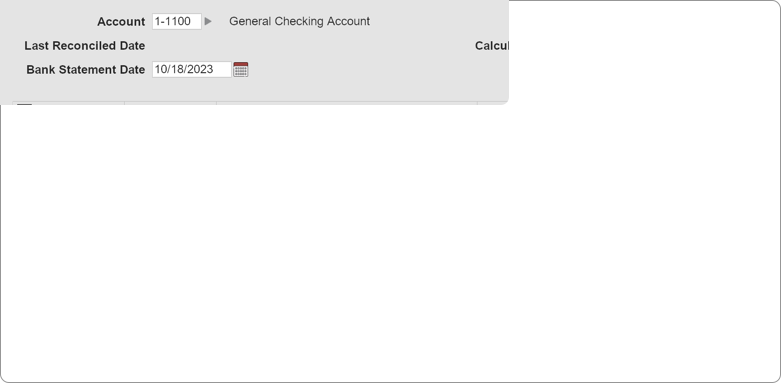
Track the detailed movements of your money. With integrated bank feeds and auto-match, reconciling your accounts is a breeze.
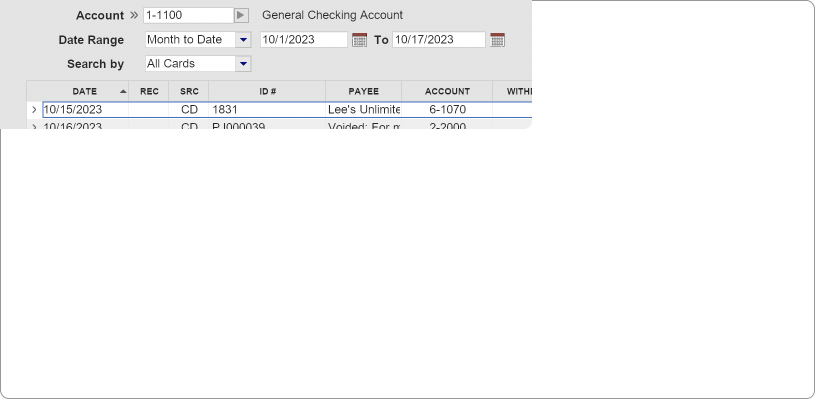 Easily create spend and receive money transactions, record sales and purchases, receive payments, pay bills, and view all your banking transactions in one screen.
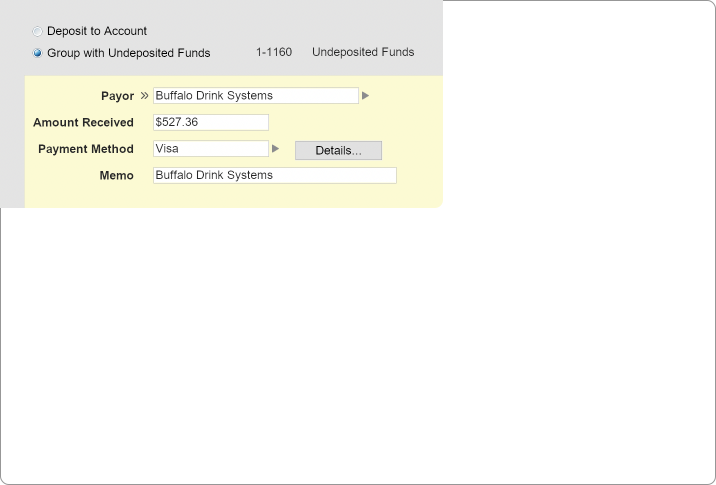 Record transaction without having to creating a sales invoice, like a rebate or donation.
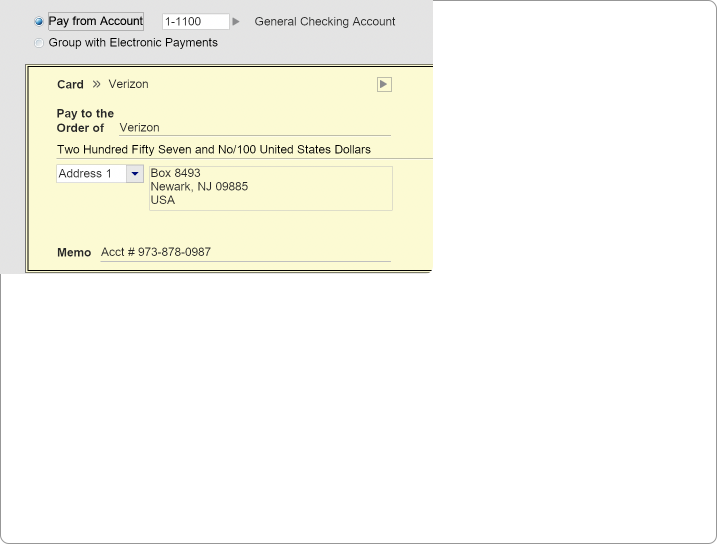 Record checks or make electronic payments for expenses and bills without creating a purchase order.
Track your employees’ information and pay your team by check or direct deposit. Keep track of wages, accruals, deductions, and expenses.
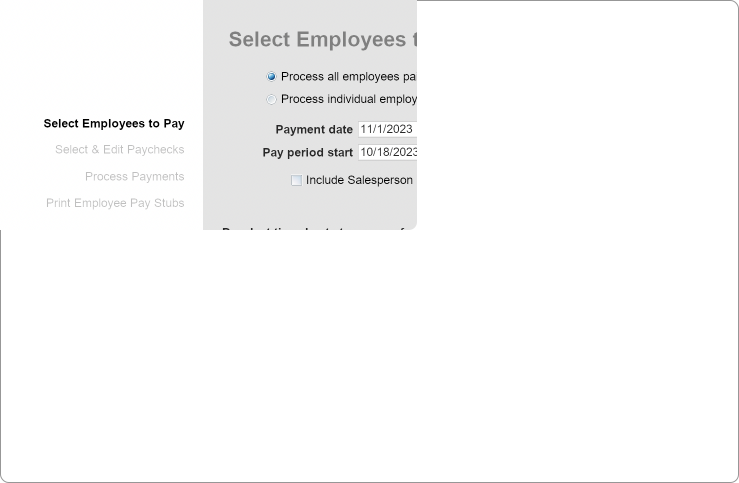 Pay your employees electronically or by printing paychecks while keeping track of all payroll information in a single location.
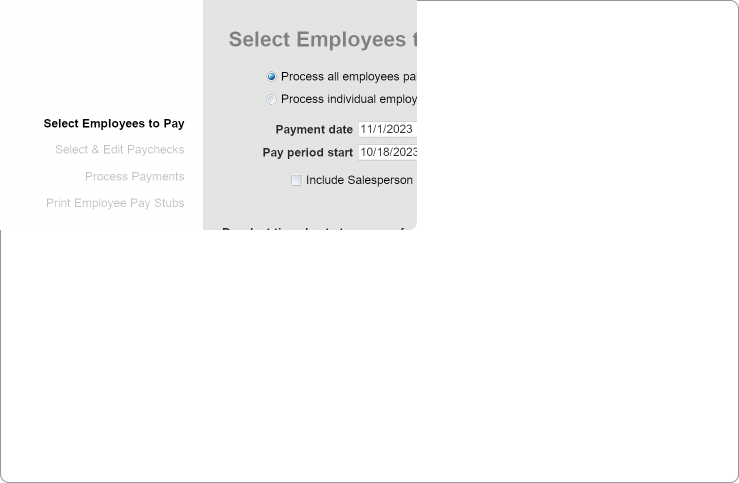
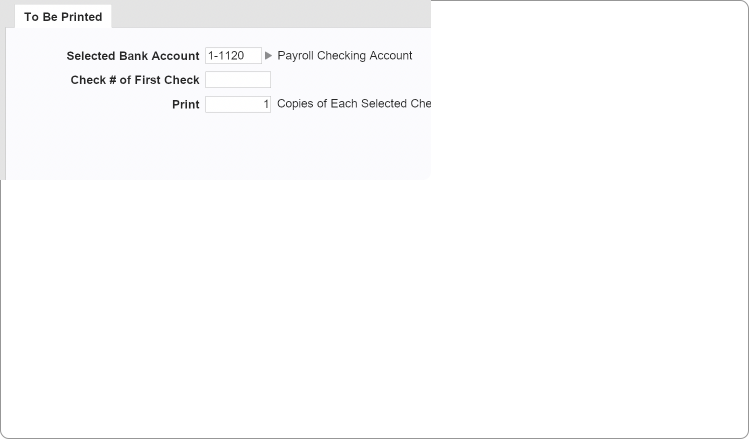 Use our optional direct deposit service (merchant account req’d) to pay your employees via ACH, or print paper paychecks, and print or email pay stubs.
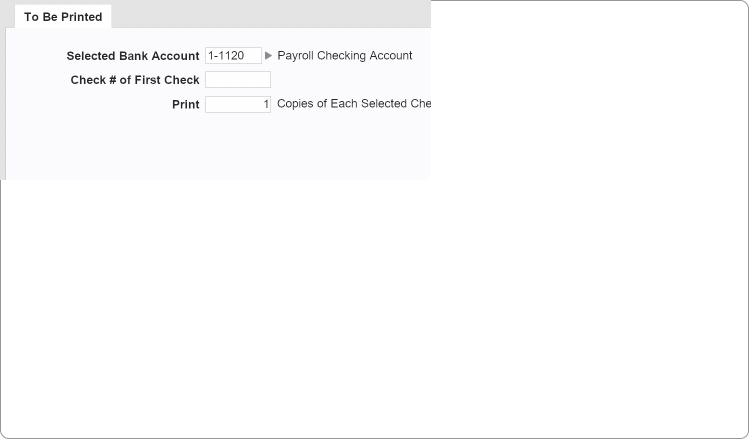
 Manage your employees’ payroll wage categories, such as hourly, salary, overtime, and commission, deductions like 401k and health care, accruals for sick and vacation time, plus expense categories.

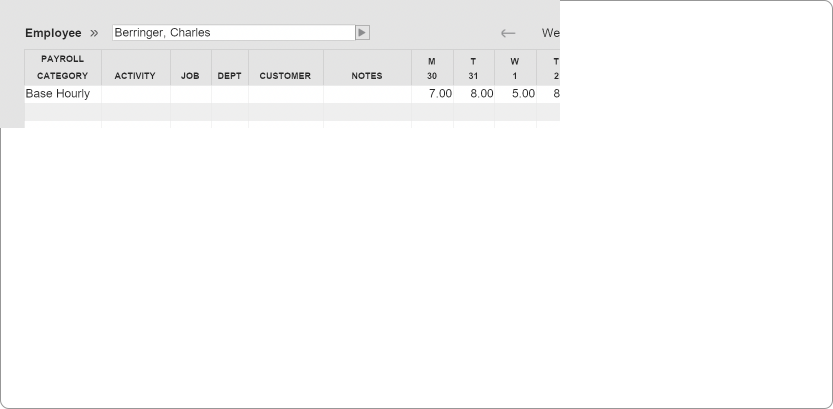 Easily track employee time by filling in a timesheet, using recurring pay, or copying the previous timesheet.
Manage your item details and track inventoried and non-inventoried items. Build kits, create inventory locations, and maintain item variations.
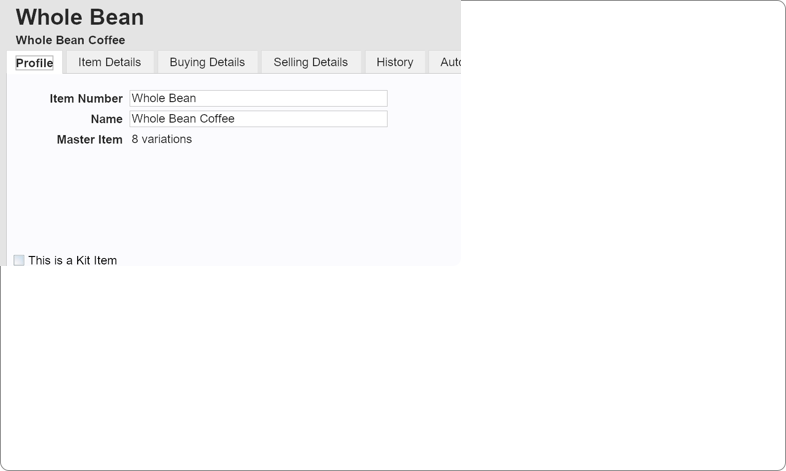 Track all aspects of your inventory for items bought and sold. Add item pictures, custom lists and fields, define pricing and price breaks, create variations, and track serialized items.
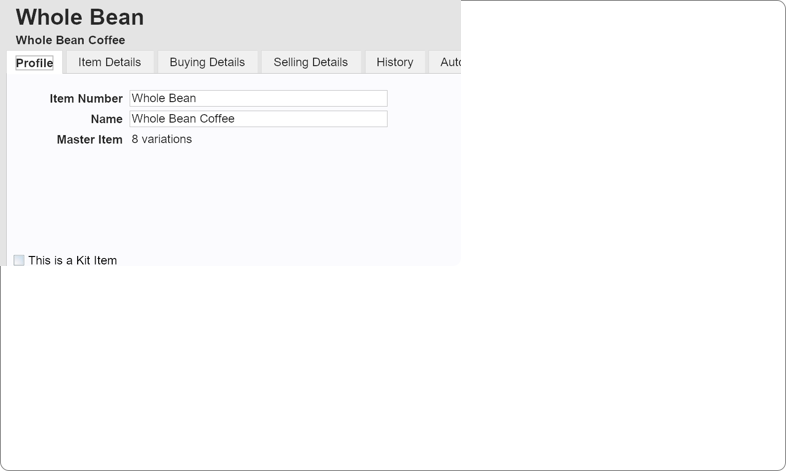
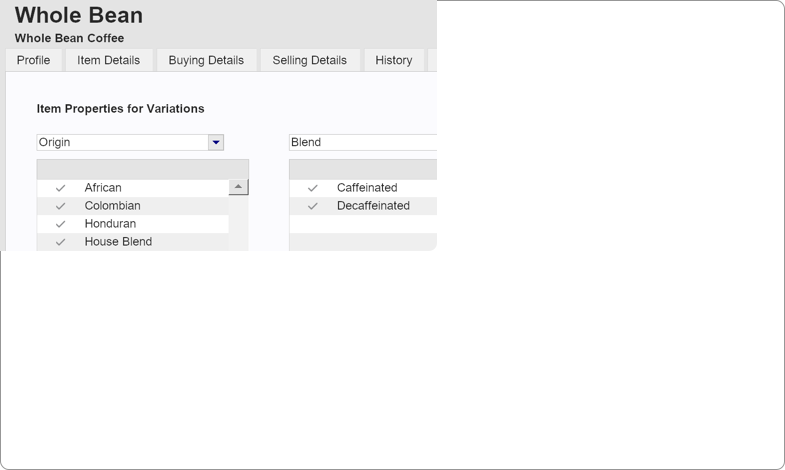 Create product variations, like sizes, colors, and styles, for an item, and then create values for each interpretation, allowing you to track and sell your items with much greater detail and precision.
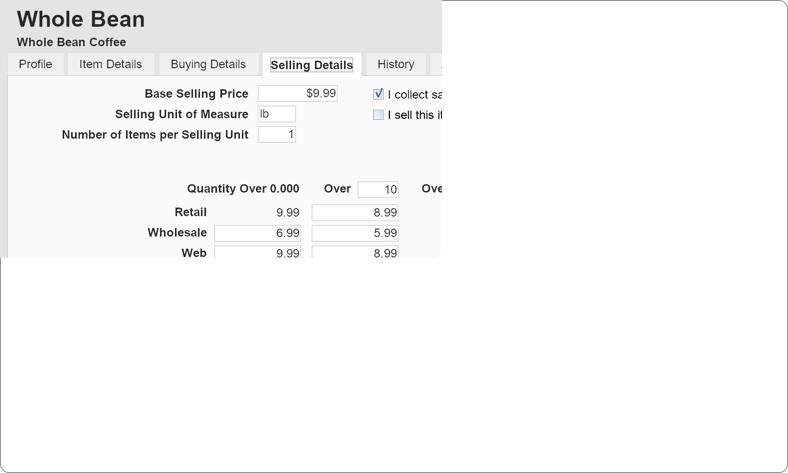 Use custom price levels assigned to customers to define pricing strategies and quantity break discounts.
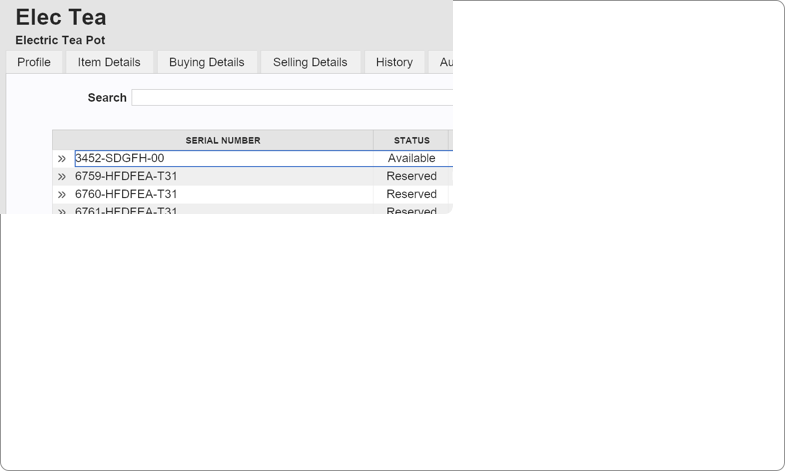 Create or enter serial numbers to manage manufactured or purchased items, customize warranty tracking when sold by day, months, or years, and report on serial number transactions and active warranties.
Your chart of accounts is at the core of your financial reporting. Maintain and oversee your general ledger and budgets, and run reports.
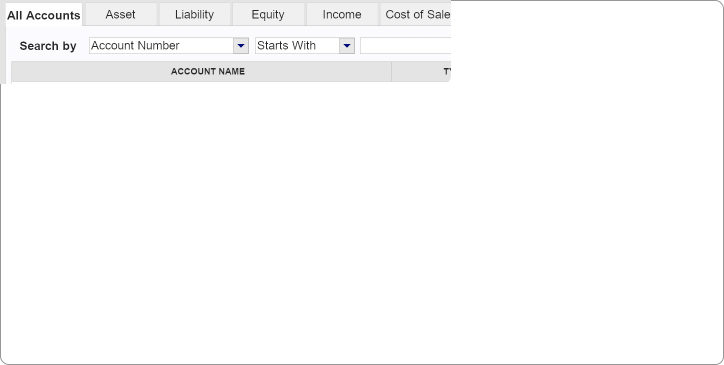
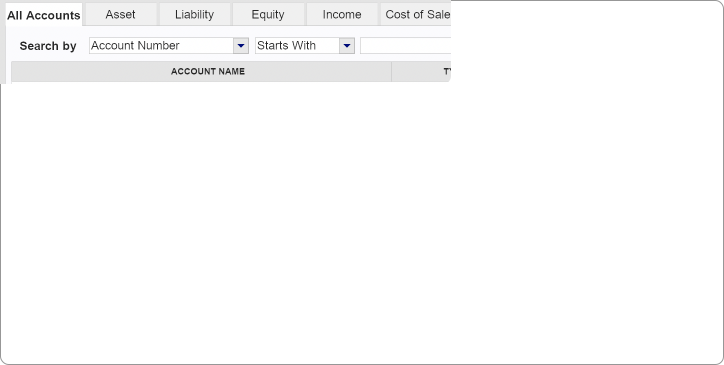 The Chart of Accounts includes all your asset, liability, equity, income, and expense accounts. Choose from dozens of fully customizable templates based on your industry, or use one provided by your accountant.
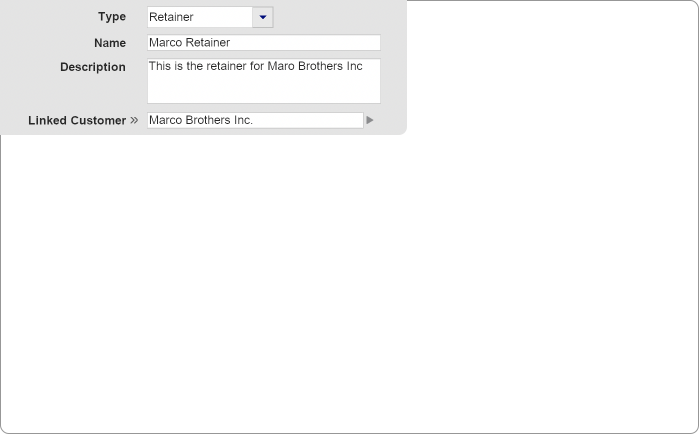 Define retainers, escrows, and trusts per customer, receive and spend funds, request replenishments, and provide statements when requested.
 Each line item on a transaction can be applied to one or multiple departments so that your reporting is laser-focused. Each contact card gets assigned a default department which can be overwritten, when necessary, on specific transactions.
 Manage your budget per account and use shortcuts to update amounts by dollar or percentages for your defined fiscal periods.
Optimize your relationships with leads, customers, vendors, and employees. Keep all their details in one place for easy use within your sales, purchases, and marketing workflows.
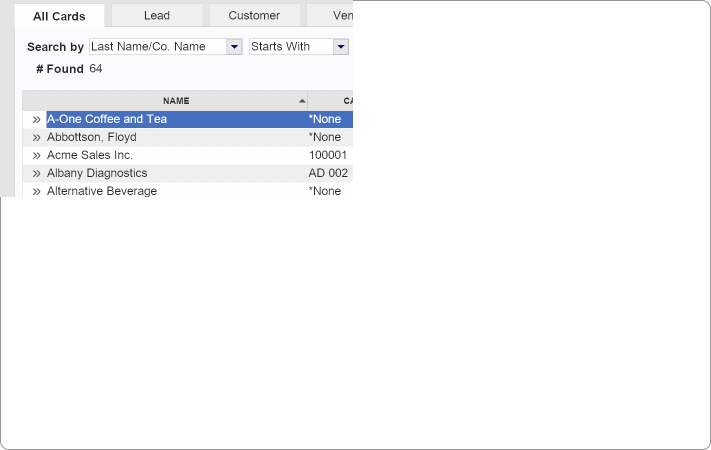
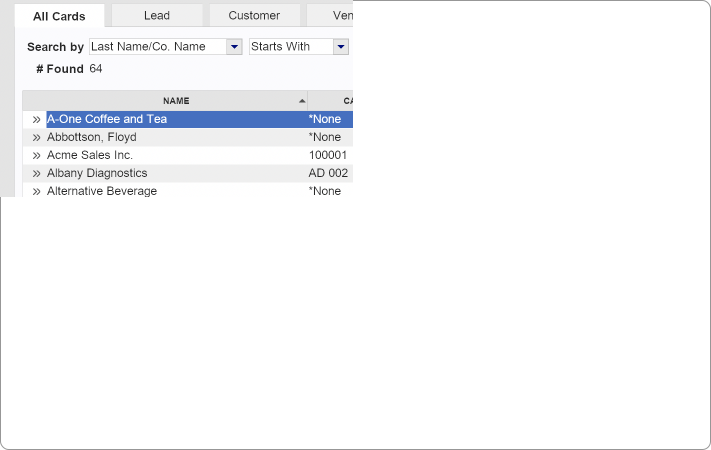 Track your customers’ contact information with up to 5 sets of contacts. Set default selling details and payment methods with custom pricing and payment terms, and those fields will autofill on quotes, orders, and invoices.
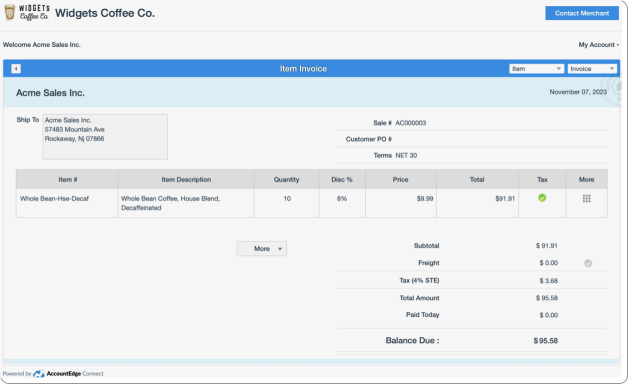 With AccountEdge Connect, your customers can log into their customer portal to view open and closed transactions and make easy, secure payments.
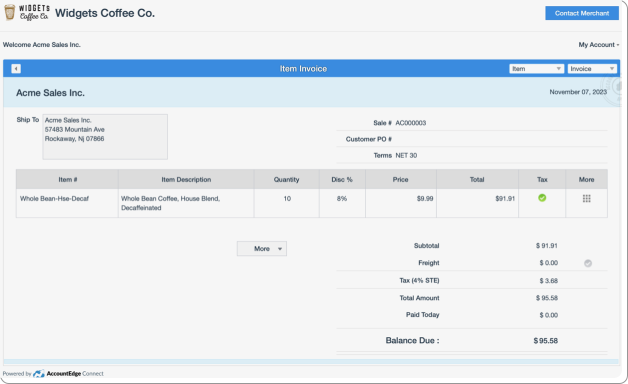
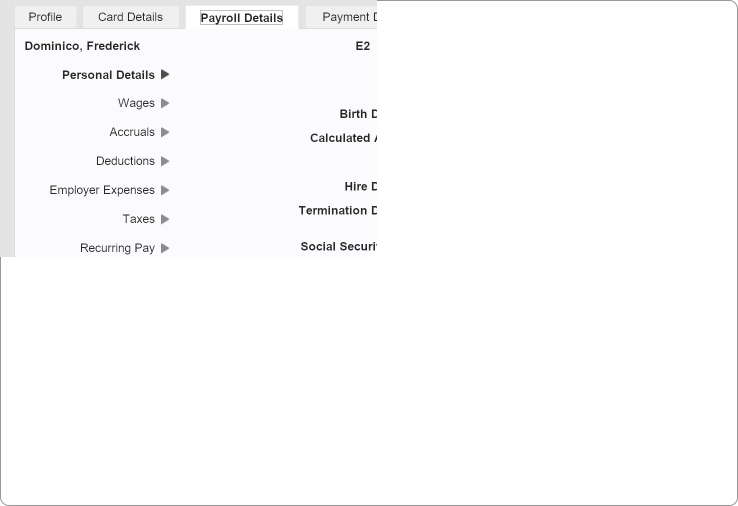 Keep track of your employees’ and vendors’ contact information. You can set up and maintain employee payroll data and vendors’ payment methods, terms, and other buying details.
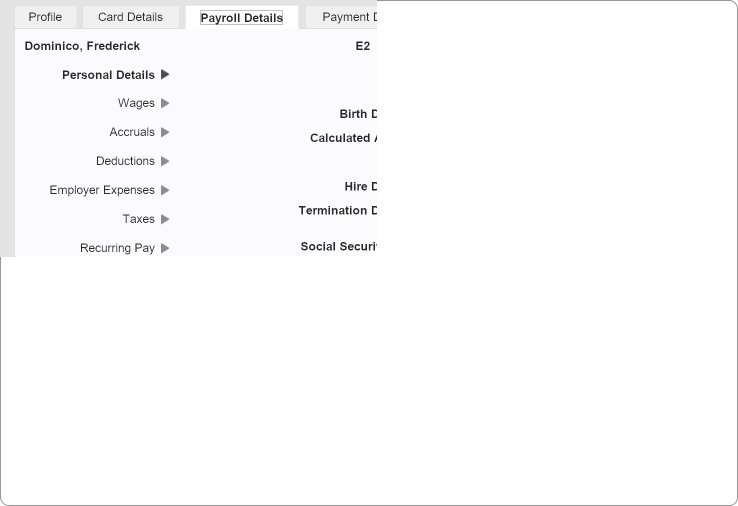
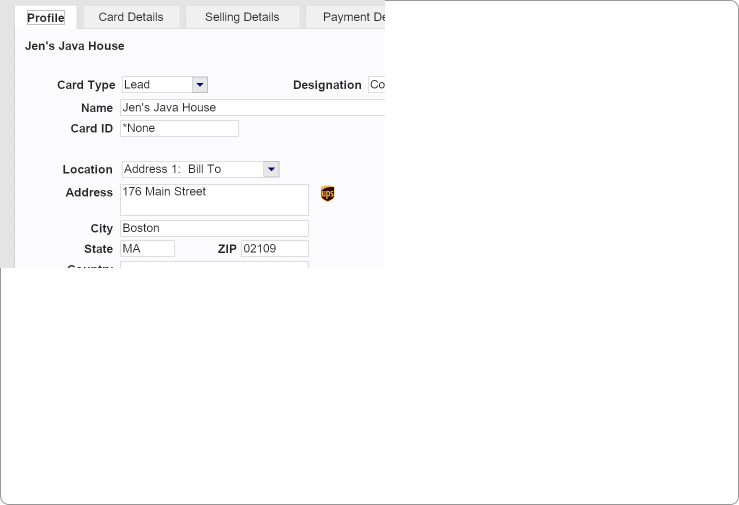
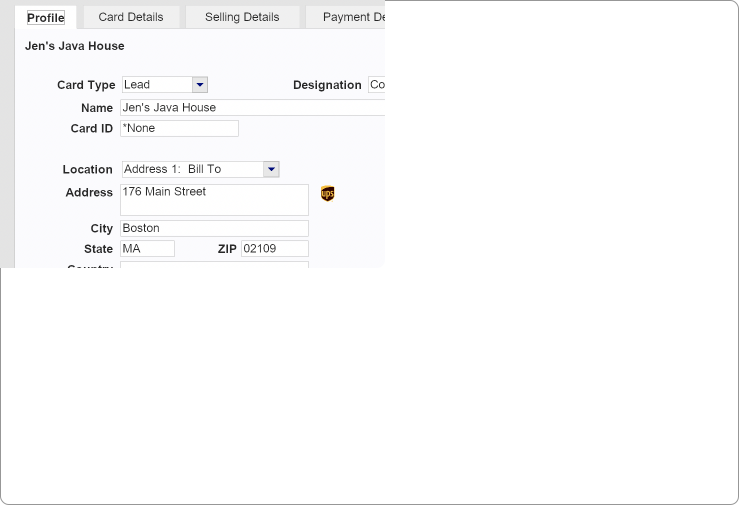 Track your leads, including source and status, and automatically convert them into customers once you create a sale, and manage the number of days to convert your leads.
Tracking time and work-in-progress is critical whether your business is project or job based. Create custom billing rates and track time for your employees. Use time sheets or activity slips.
 Manage different activity billing rates based on fixed or custom rates per activity by percentage or amount.

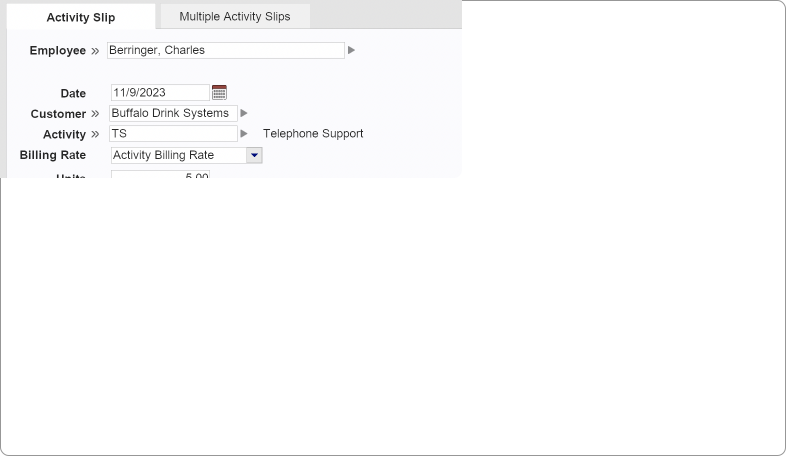 Track time worked on jobs with both billable and non-billable activities. Create individual activity slips or track employee hours with timesheets and optionally use them to process payroll.
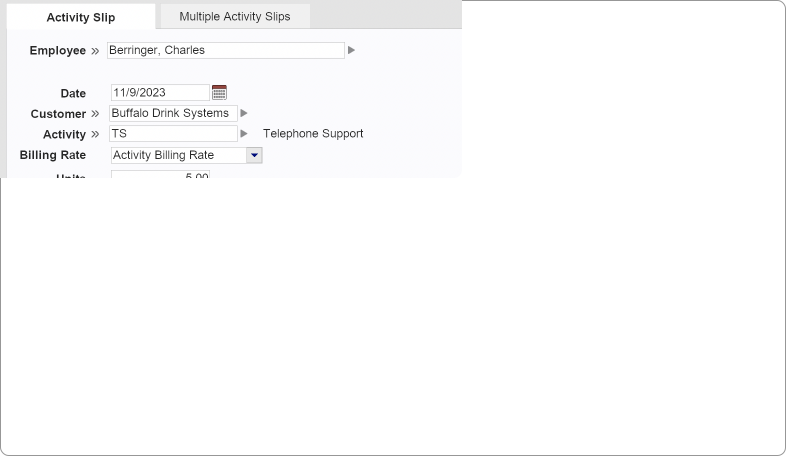
 Easily create an invoice based on your timesheets or activity slips. Adjust billable amounts in dollars or units before creating an invoice.
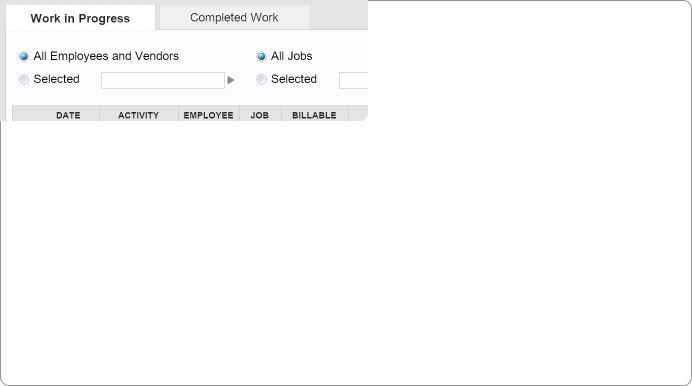
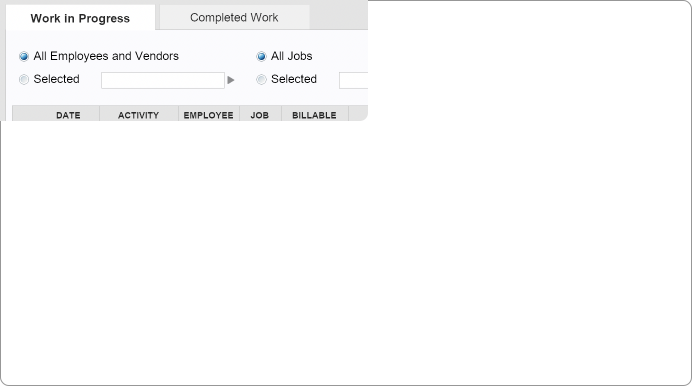
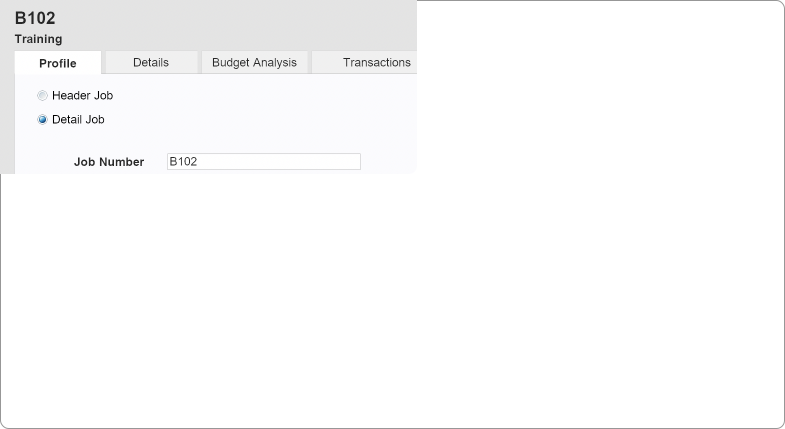
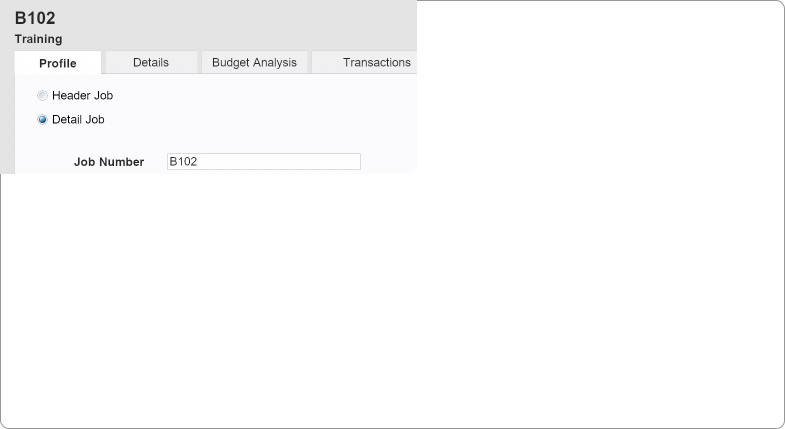 Keep track of the progress of specific jobs, including income and expenses, and see your profit margin.
Easily organize and analyze your data with imports/exports, on-screen analysis, and hundreds of standard reports. Export to PowerBI for advanced analytics.
 Use our simple field mapping tool to import or export list or transaction records in comma-separated or tab-delimited text formats.

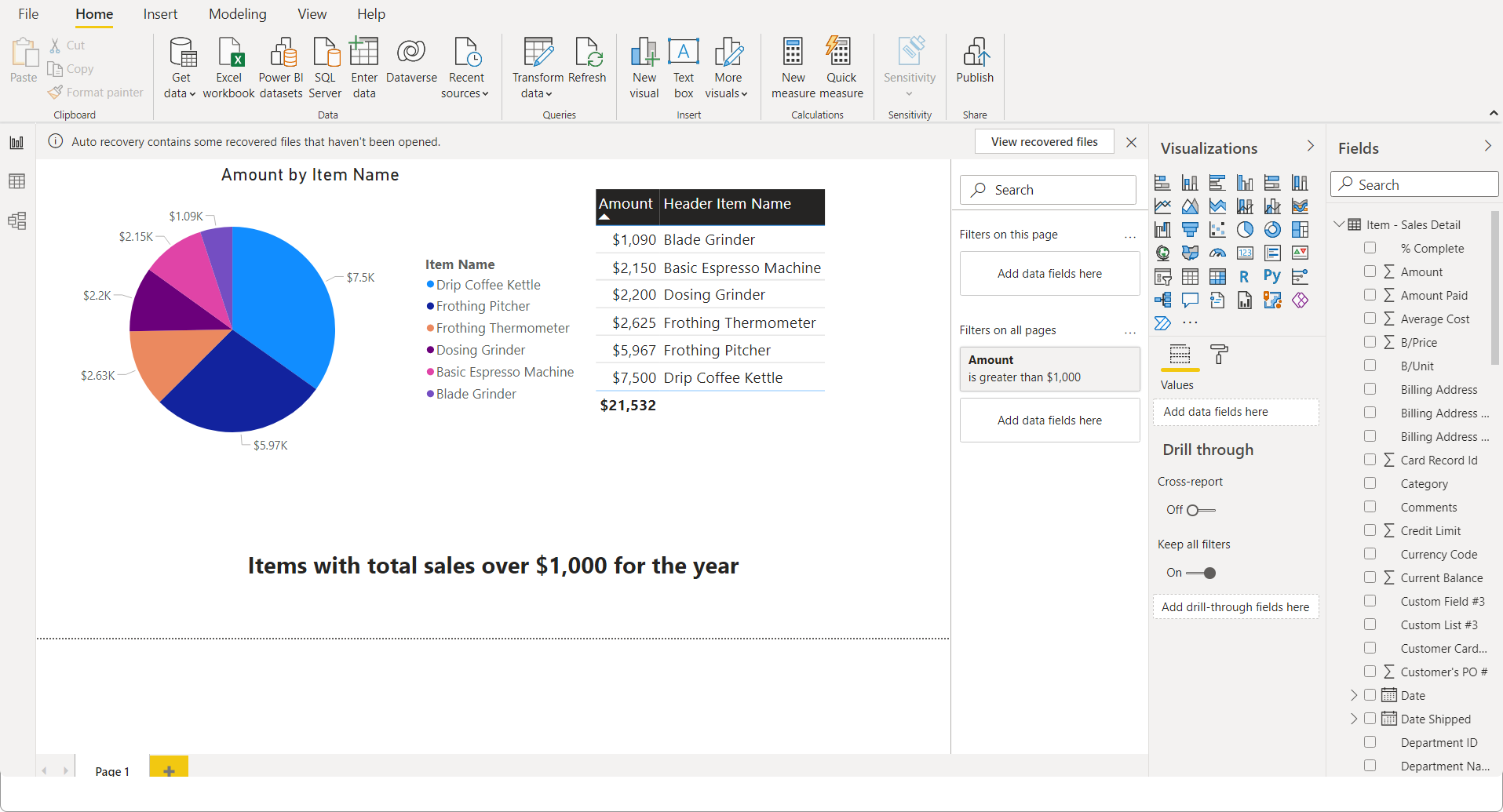
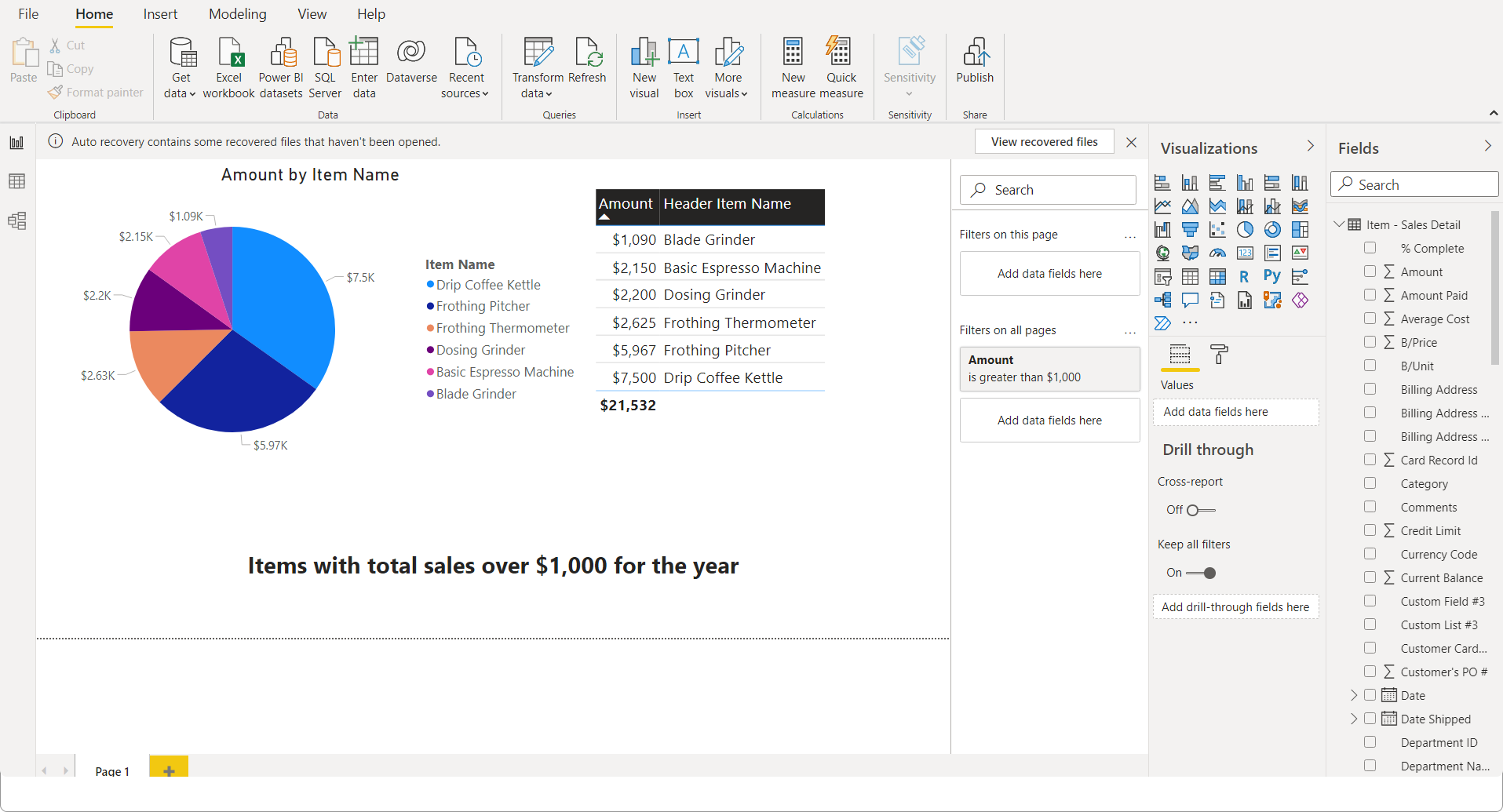 Create graphs, charts, maps, and more with the latest data from your AccountEdge company file. Use filters to visualize changes in data sets by date, customer, vendor, item, or any other field.
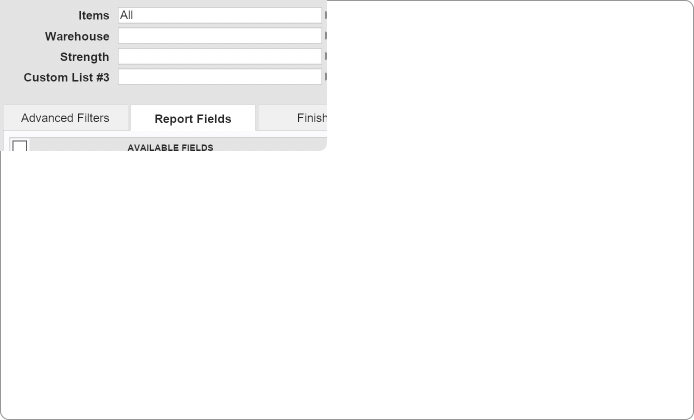
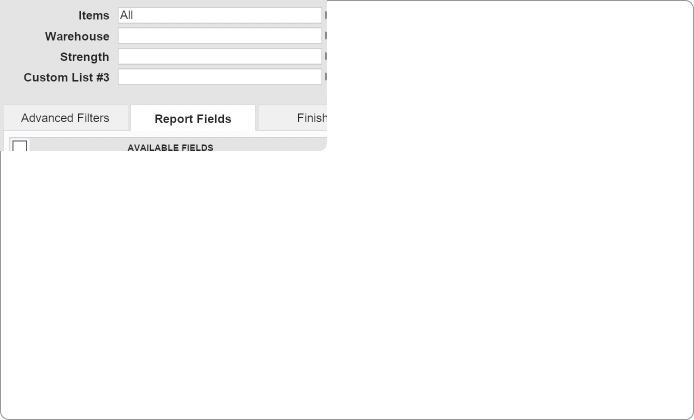 View, print, export, and customize hundreds of reports to your unique needs. Define advanced reporting filters, select report fields, use custom lists to refine your reports, and send them to Excel, email, pdf, text, or html files to help you manage your operations.
 Request a free copy of AccountEdge for your accountant and share your Mac or Windows company files.