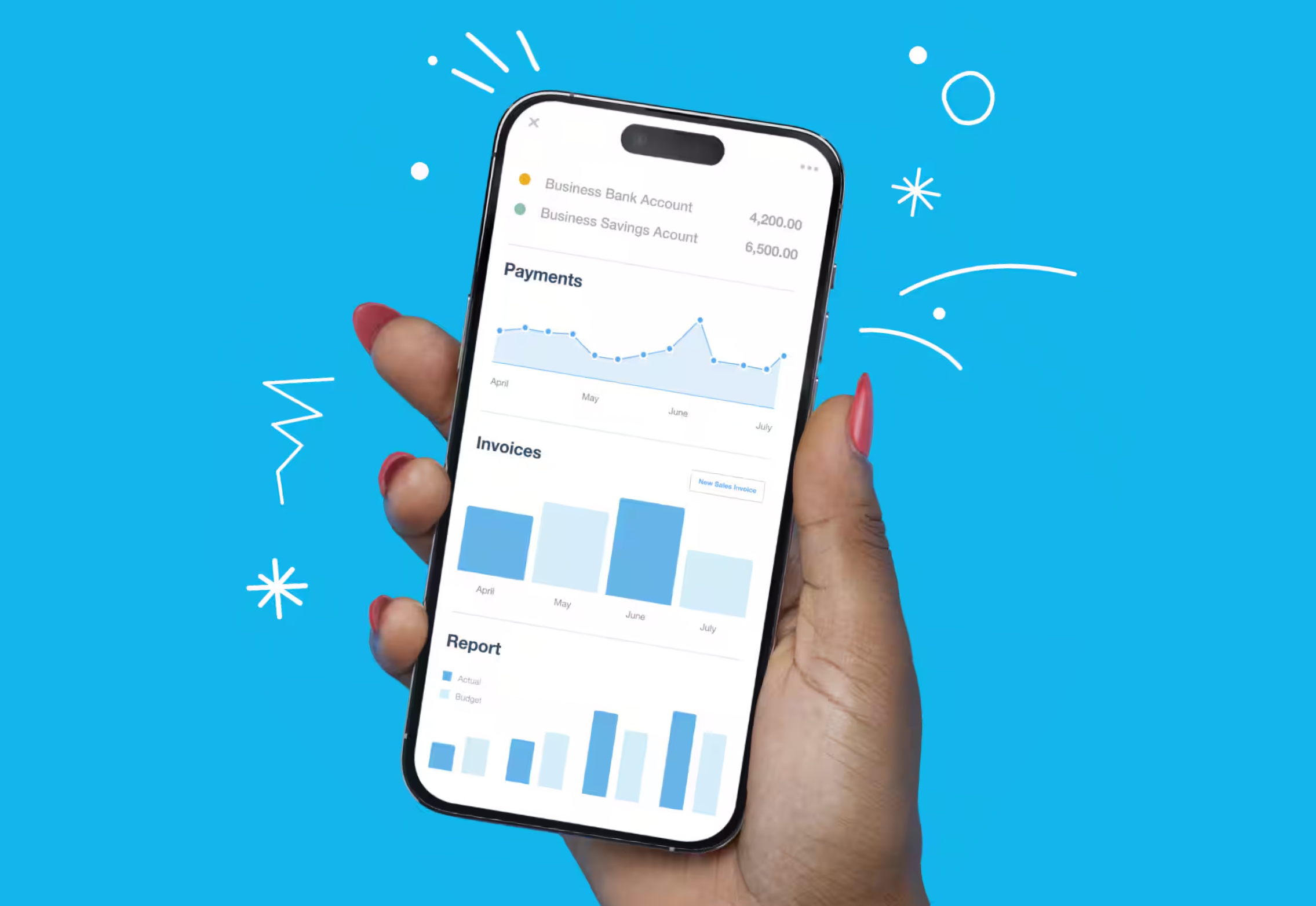
Take control of your financial admin with Xero online accounting software. Send online invoices, reconcile your bank transactions with the help of Xero’s automation features, and run quick reports for fresh insights into your business.
 Xero features
Explore Xero’s range of features, designed to streamline your accounting needs.
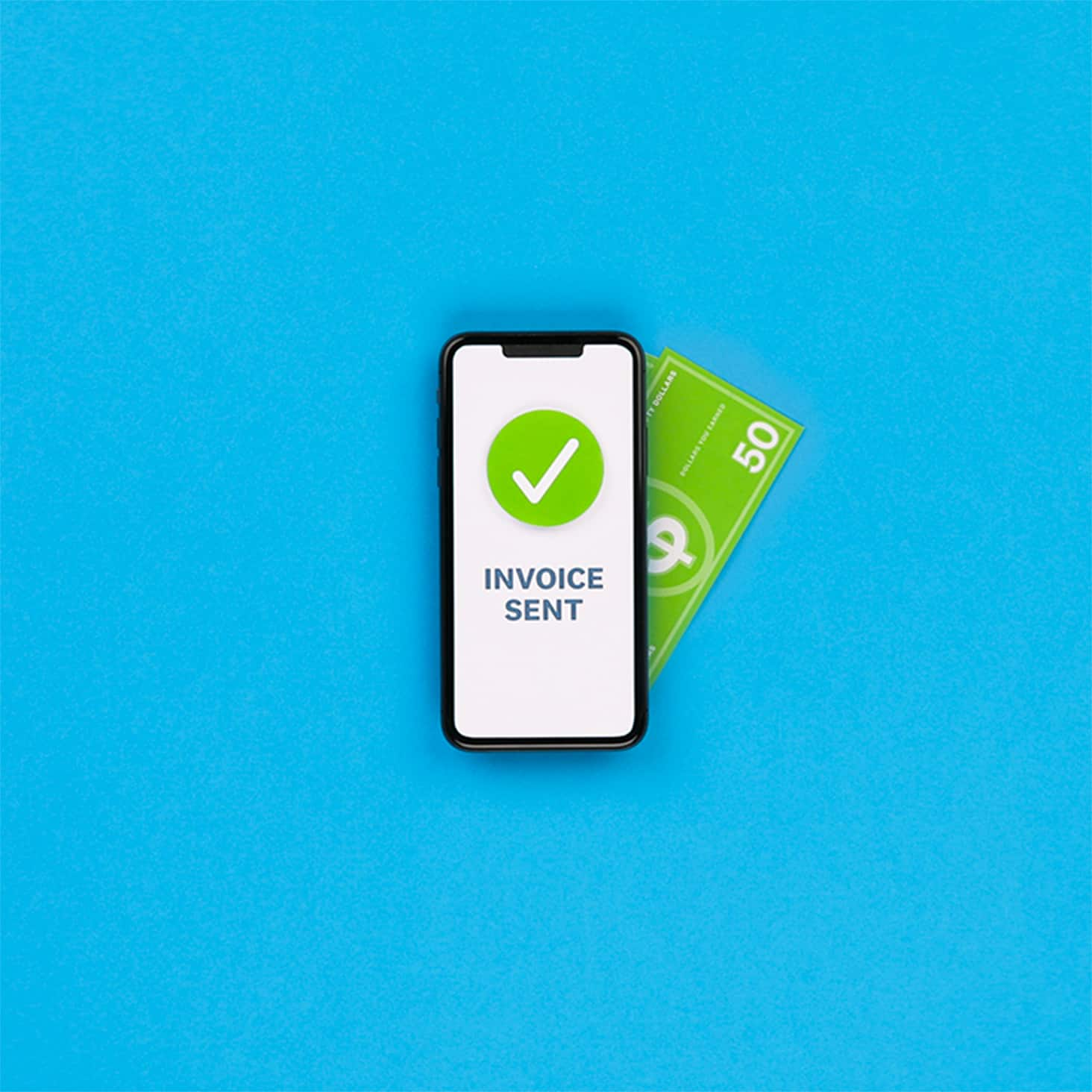
Save admin time with Xero’s automated invoicing software. Streamline the billing process with the help of automations – minimise data entry by asking Xero to politely nudge your late-paying customers, then track your invoice payments from the Xero desktop or on mobile with the Xero.
Xero’s invoicing software makes creating and sending invoices much easier. This helps you get paid sooner and boosts your cash flow.
Impress your customers with Xero’s professional invoicing software for small business owners. Customise your invoices with your branding and payment terms, then save your changes to speed up the process with every invoice.
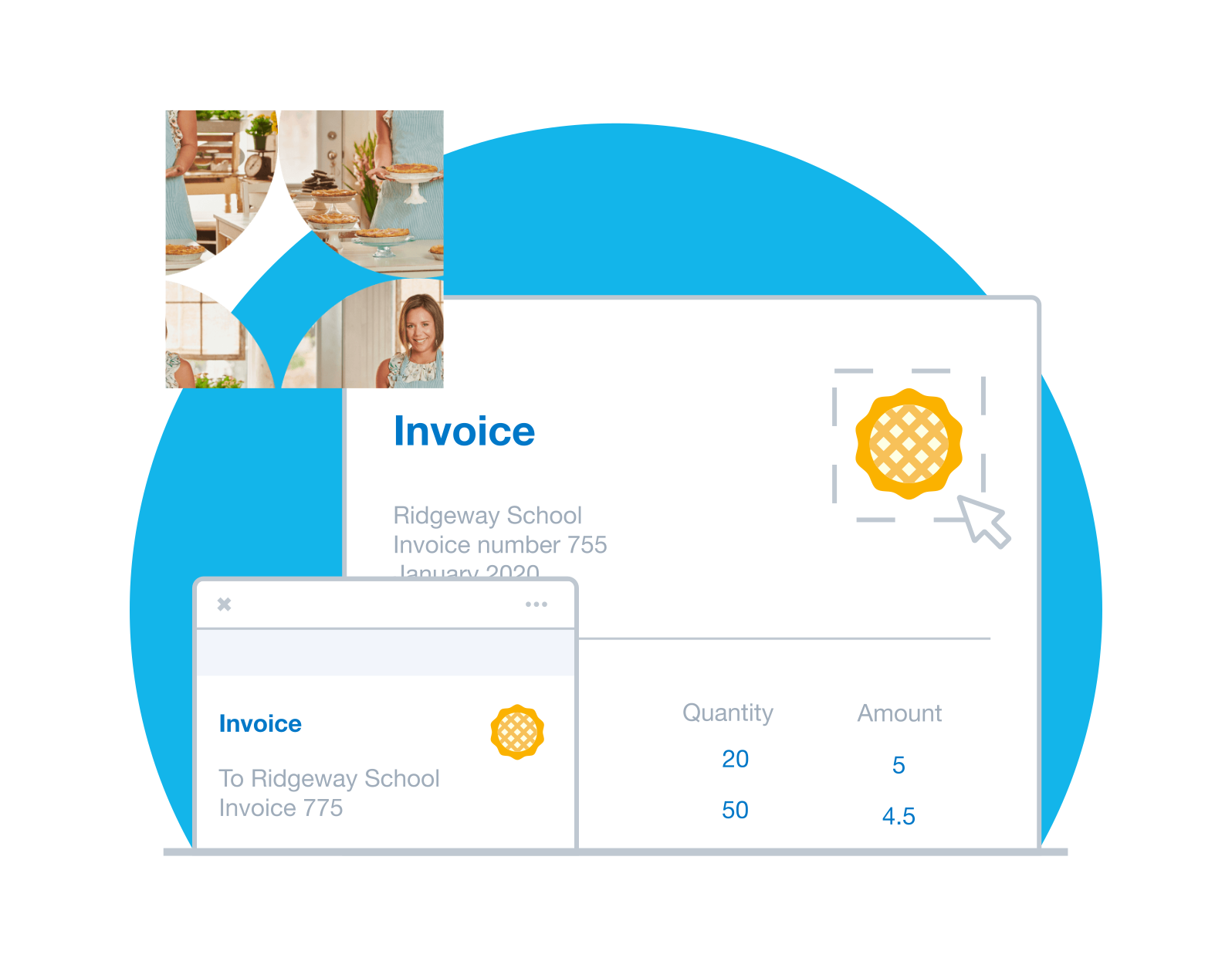 Professional automatic invoicing – your way
Impress your customers with Xero’s professional invoicing software for small business owners. Customise your invoices with your branding and payment terms, then save your changes to speed up the process with every invoice.
Bill your customers the same amount each month? Let Xero’s invoicing automation create and send the invoices for you.
If you charge a group of customers the same amount, ask Xero to send these identical auto invoices to the whole group in one go. Job done!
Once you’ve set up default info for each customer, each invoice fills with the customer’s info automatically.
 Automate bill entry and simplify your payments with Xero accounts payable software – helping save you time and giving you a clearer view of your business’s cash flow.
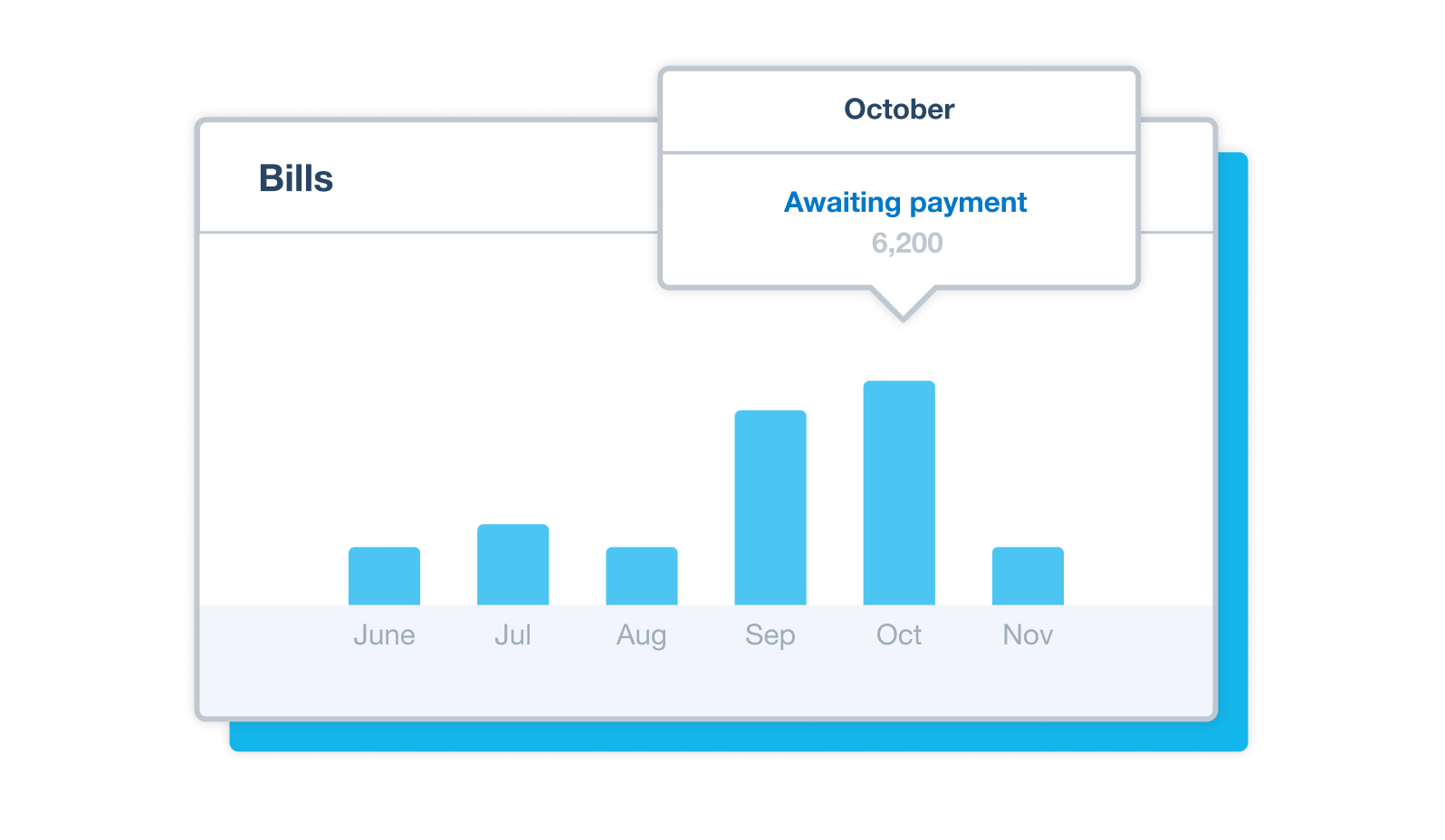 Assign roles and permissions to control who can create and approve bills, improving security and accuracy.
Create and send digital purchase orders in minutes. Xero’s purchase order software helps you track your orders and deliveries, and speeds up your procurement.
Procurement shouldn’t be complicated. With Xero’s purchase order system, sourcing items from suppliers is simple and hassle free.
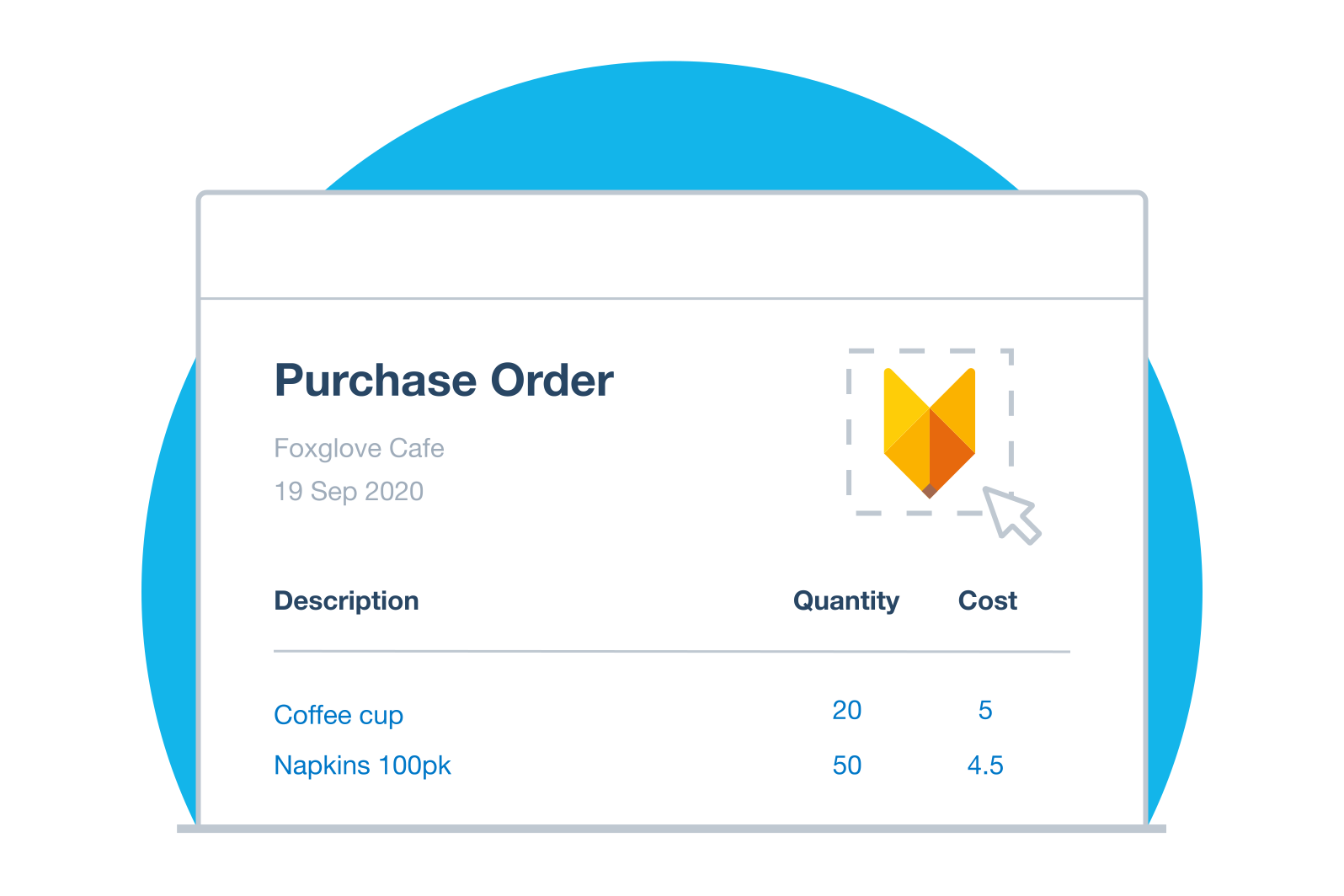 Create purchase orders that look and sound like your business. Customize templates for a personalized, professional customer experience with Xero’s purchase order system.
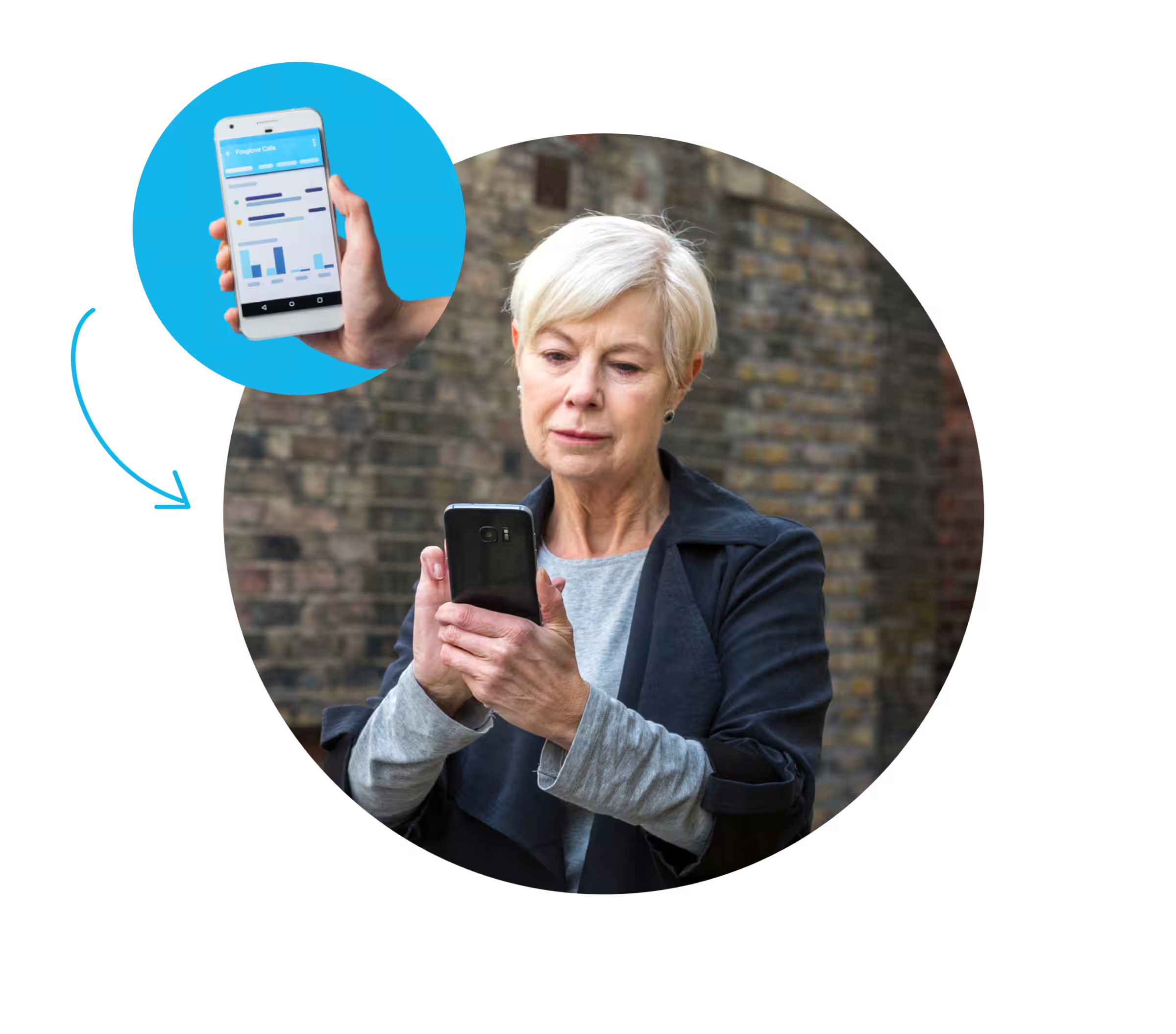 Easily track your business’s financial health with accurate, reliable accounting reports. Collaborate with your advisor in real time using Xero’s financial reporting software, so you always have the latest numbers to back up your business decisions.
Make better business decisions with Xero business reporting software. Xero reports put real-time data at your fingertips. View profit and loss, balance sheets, cash flow, and a range of other accounting reports and forecasts, whenever you need to.
Tailor the content and layouts of your reports to show the metrics that matter most to your business. Customise your reports in Xero’s business reporting software so you have the right information to make evidence-based decisions..
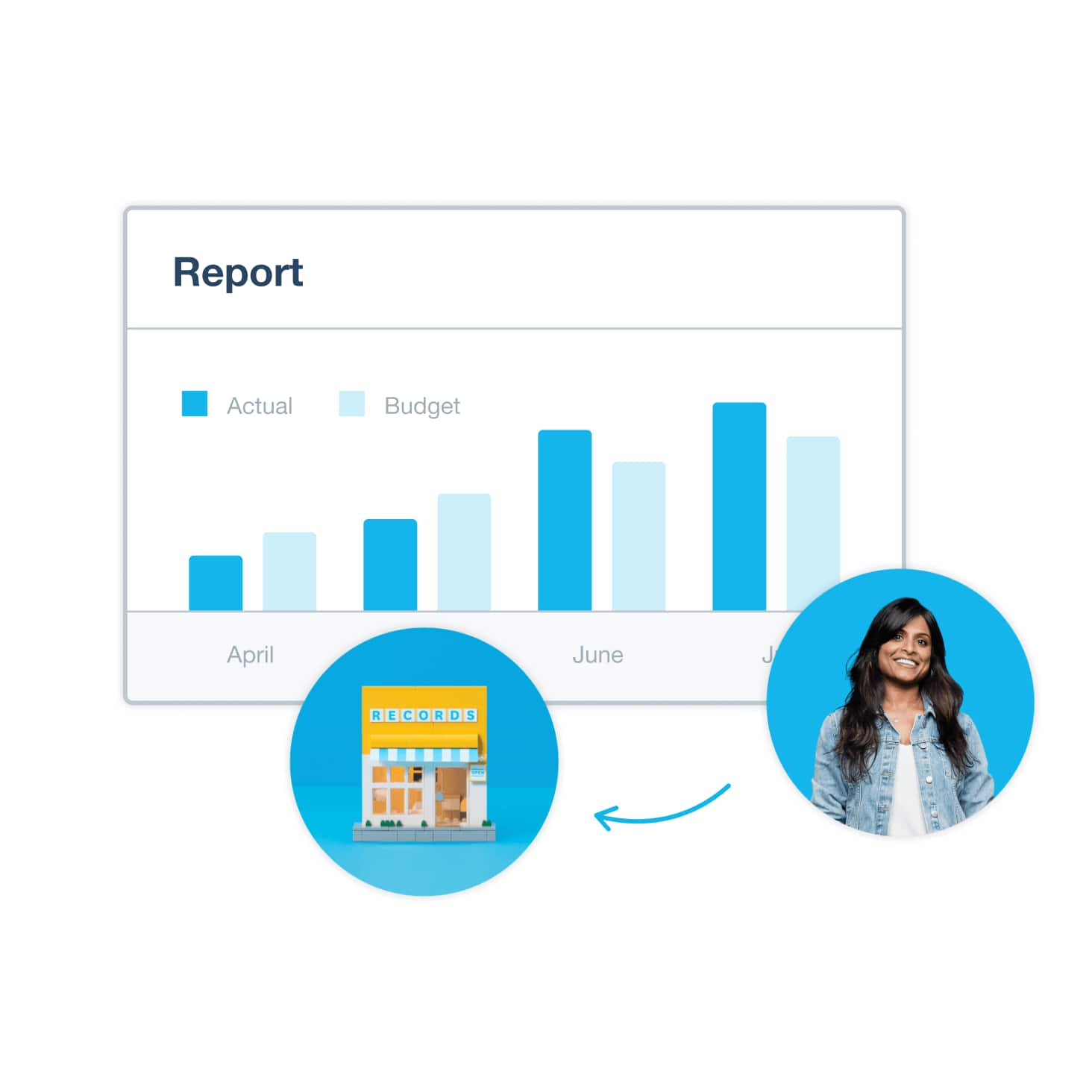
Xero’s user-friendly financial reporting software turns complex financial data into easy-to-read reports. Xero’s accounting reports, such as balance sheets, income statements, and cash flow statements, help you reduce costs, track profitability, and buy at the right time.
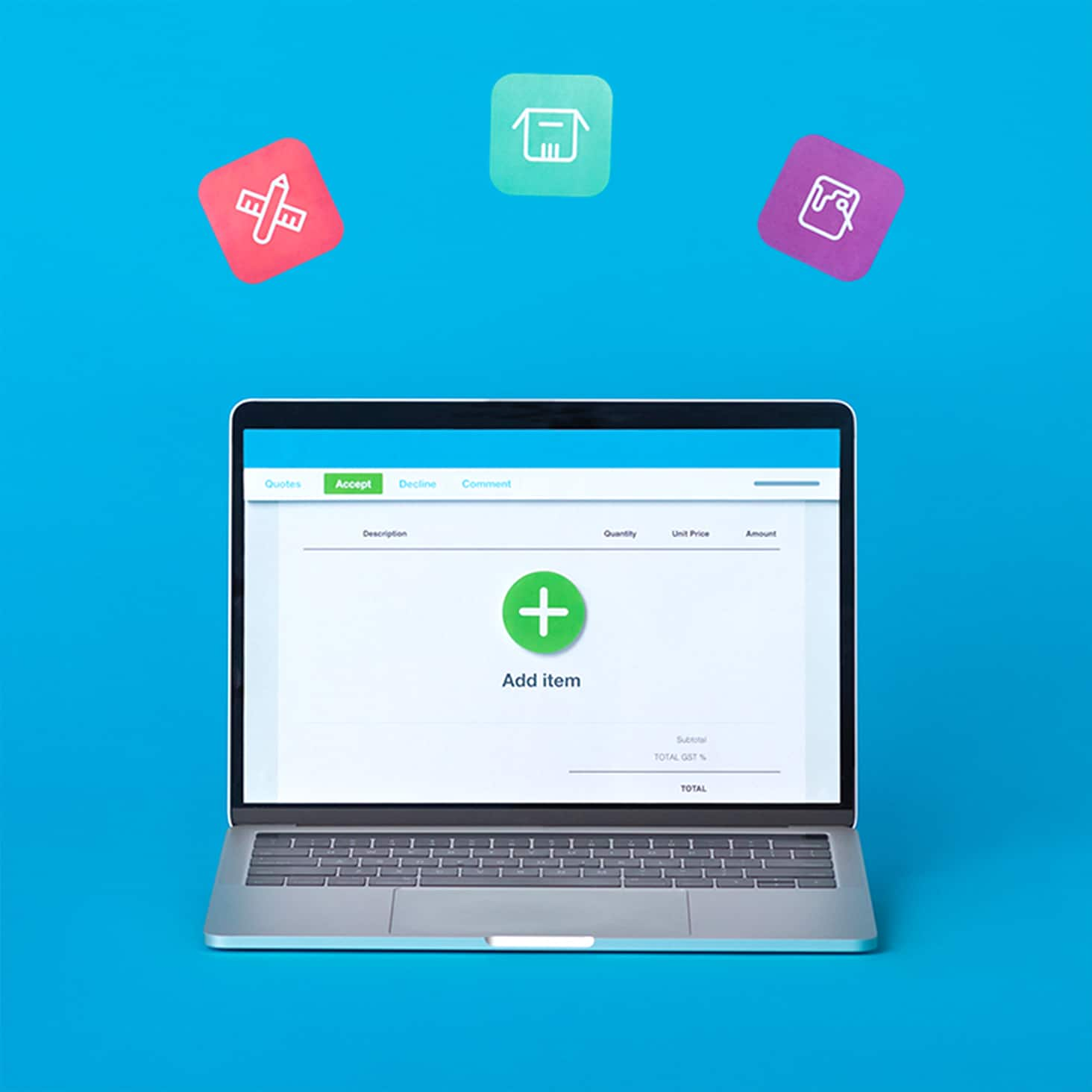
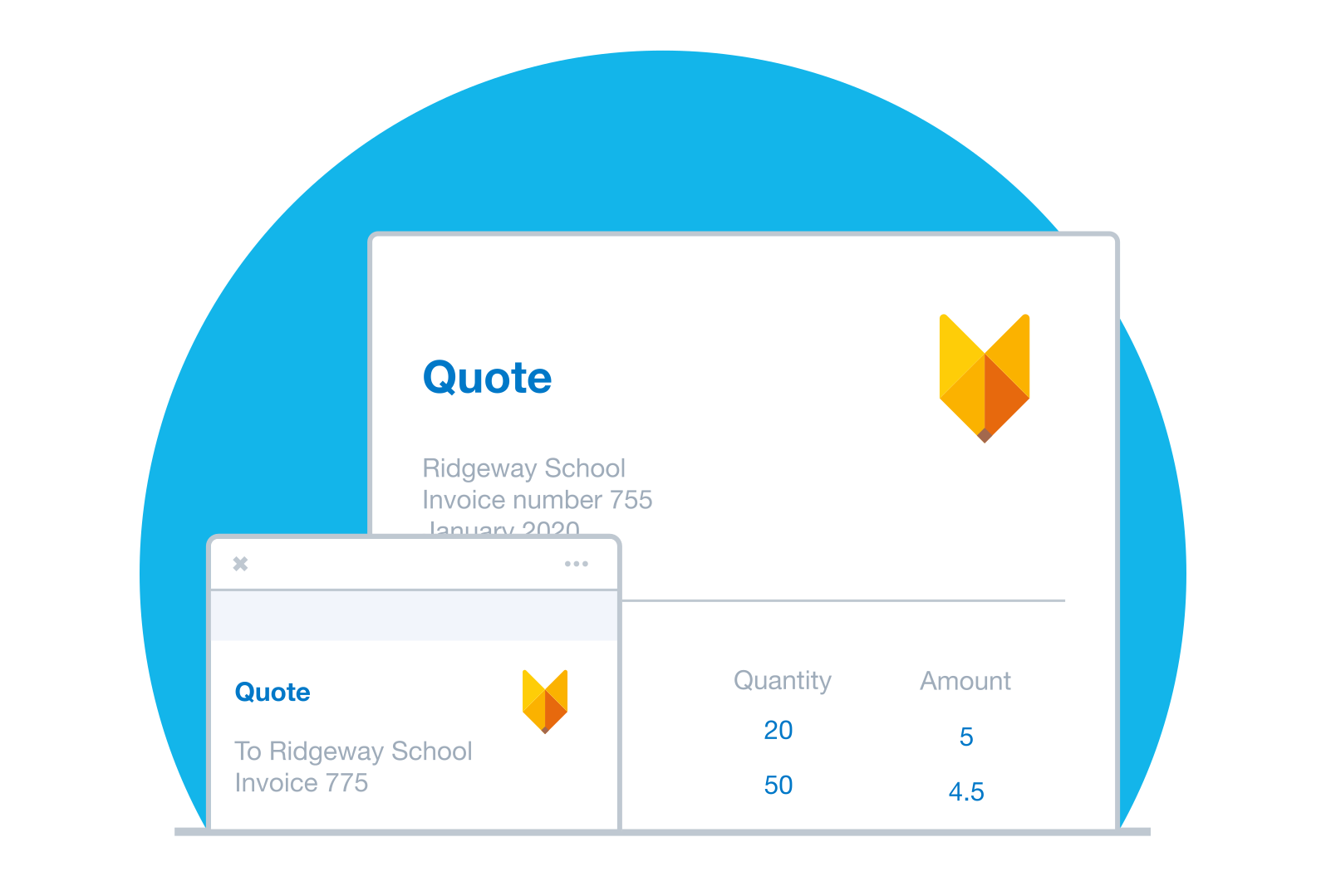
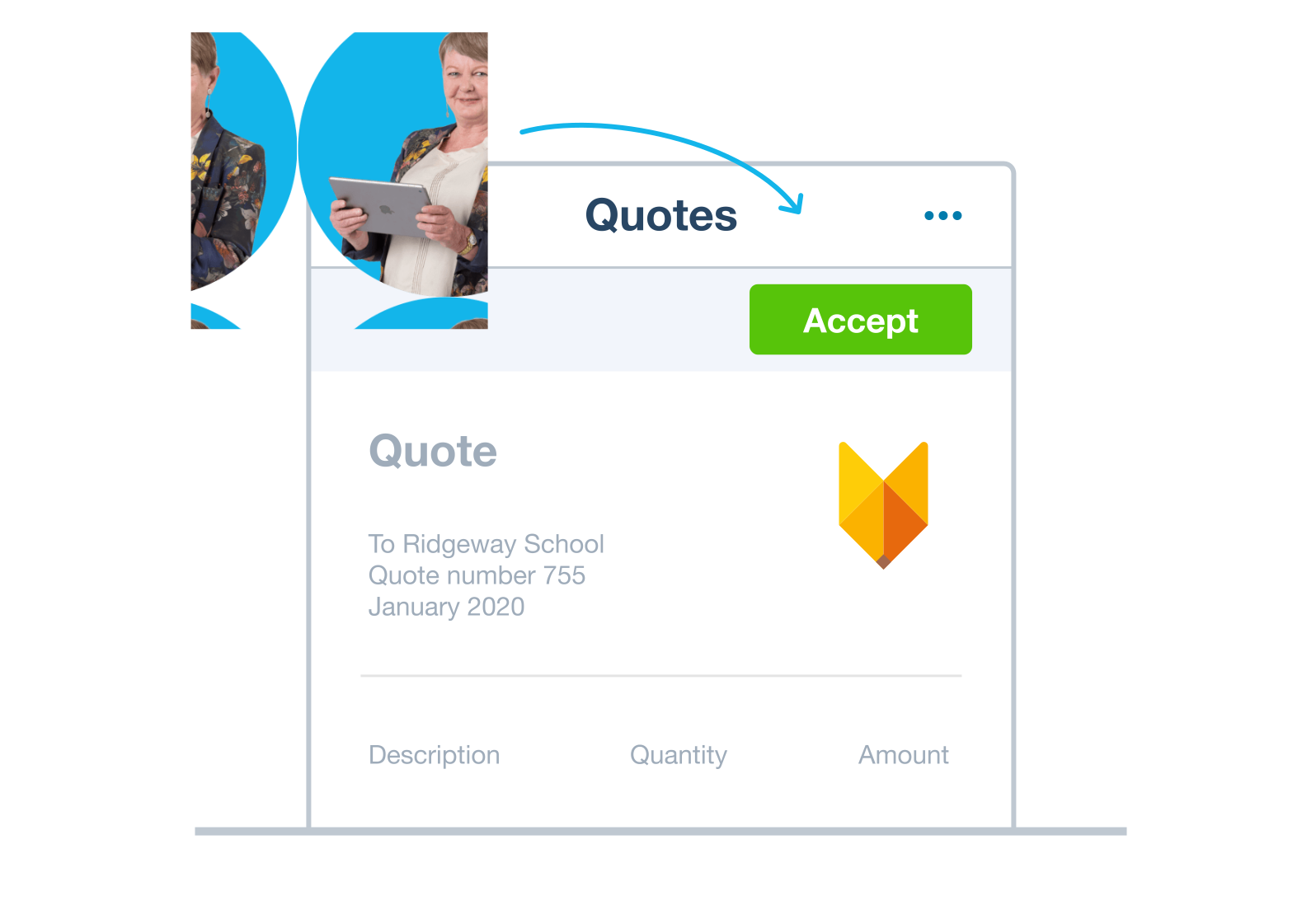
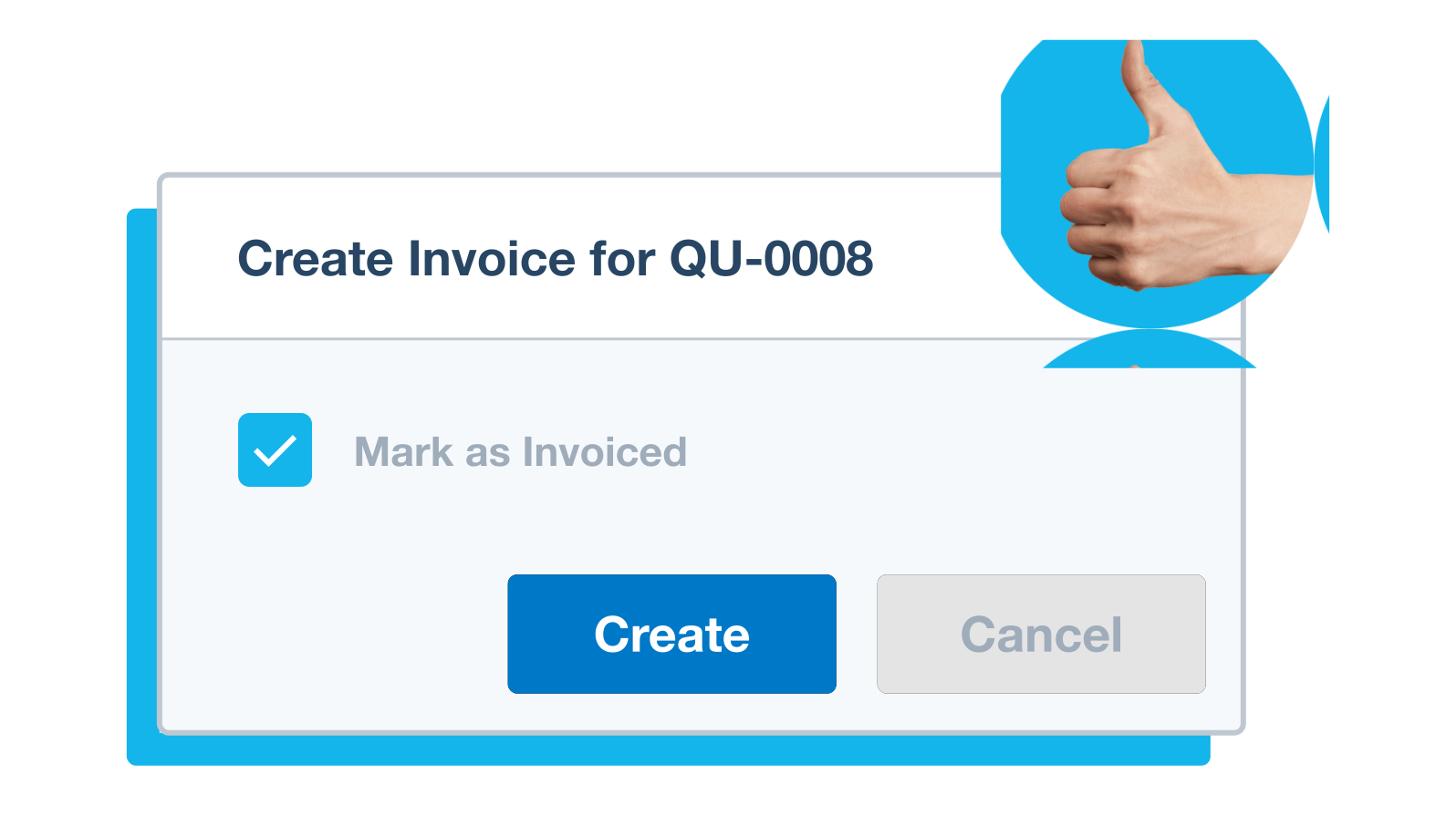
With Xero, it’s easy to prepare professional online quotes and estimates. Then send them instantly from your Xero desktop software or accounting app, and turn accepted quotes into invoices. Simple.
Xero’s estimating software makes your business look professional. The process is slick for you and your customers.
Fewer hurdles in the quoting and acceptance process means your customers are more likely to pay you on time. That’s a win for everyone! Xero’s quoting software:
By keeping all your quotes and admin in Xero, you can easily convert documents – saving you time and money.
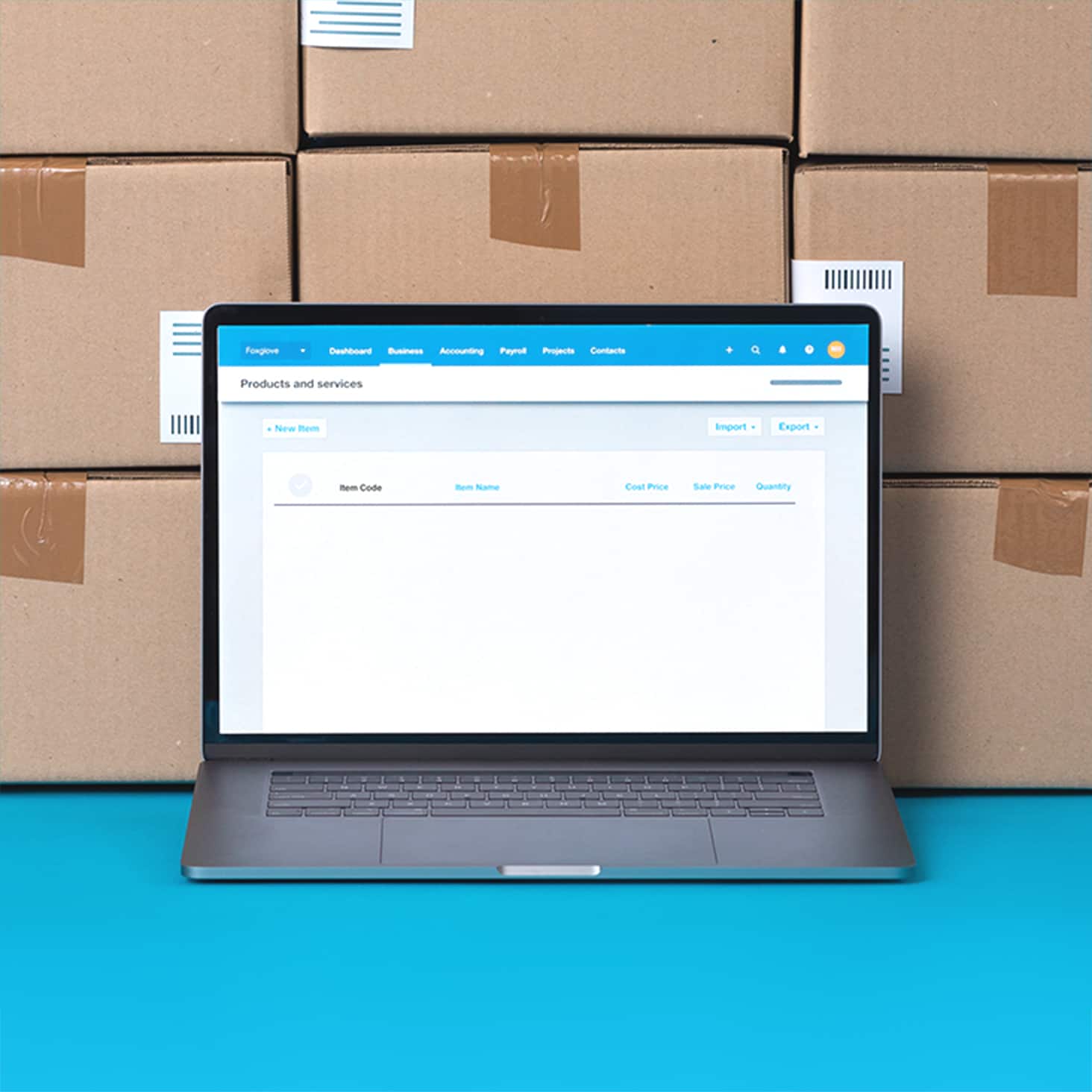
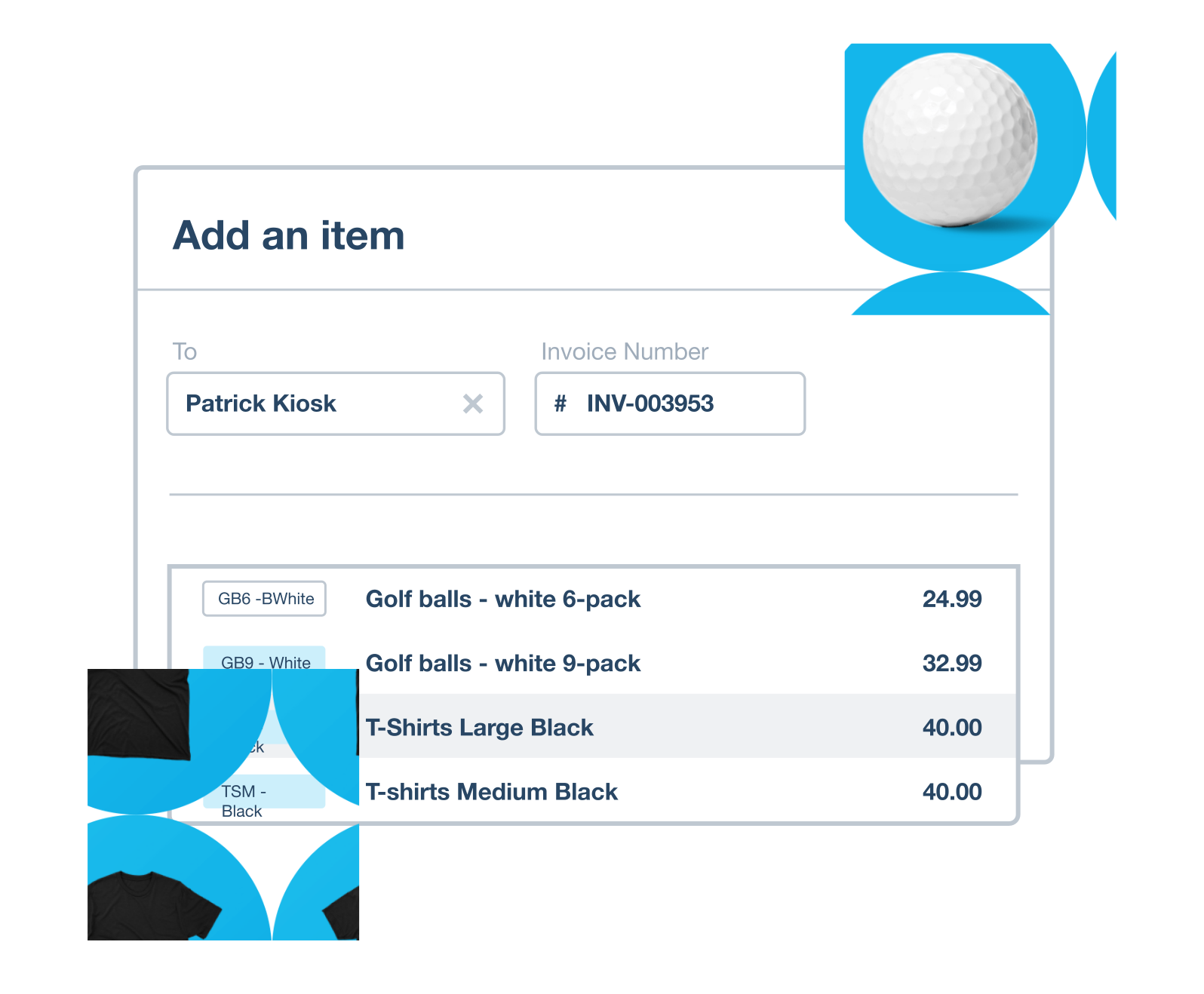
Take control of your inventory with Xero’s inventory software. Track stock in real time, and add items you buy and sell to invoices and purchase orders.
Manage up to 4,000 finished items at your fingertips with the Xero small business inventory management system. It keeps your best-selling items stocked and ready for sale, lets you review real-time sales data to adjust stock levels, make timely purchase orders, and optimise your cash flow.
Gain valuable insights into your small business inventory management with simple, actionable data. Optimise sales channels, identify top products, and boost profitability with detailed reports. Use customer spending trends to prepare for seasonality and sales campaigns, futureproofing your business.
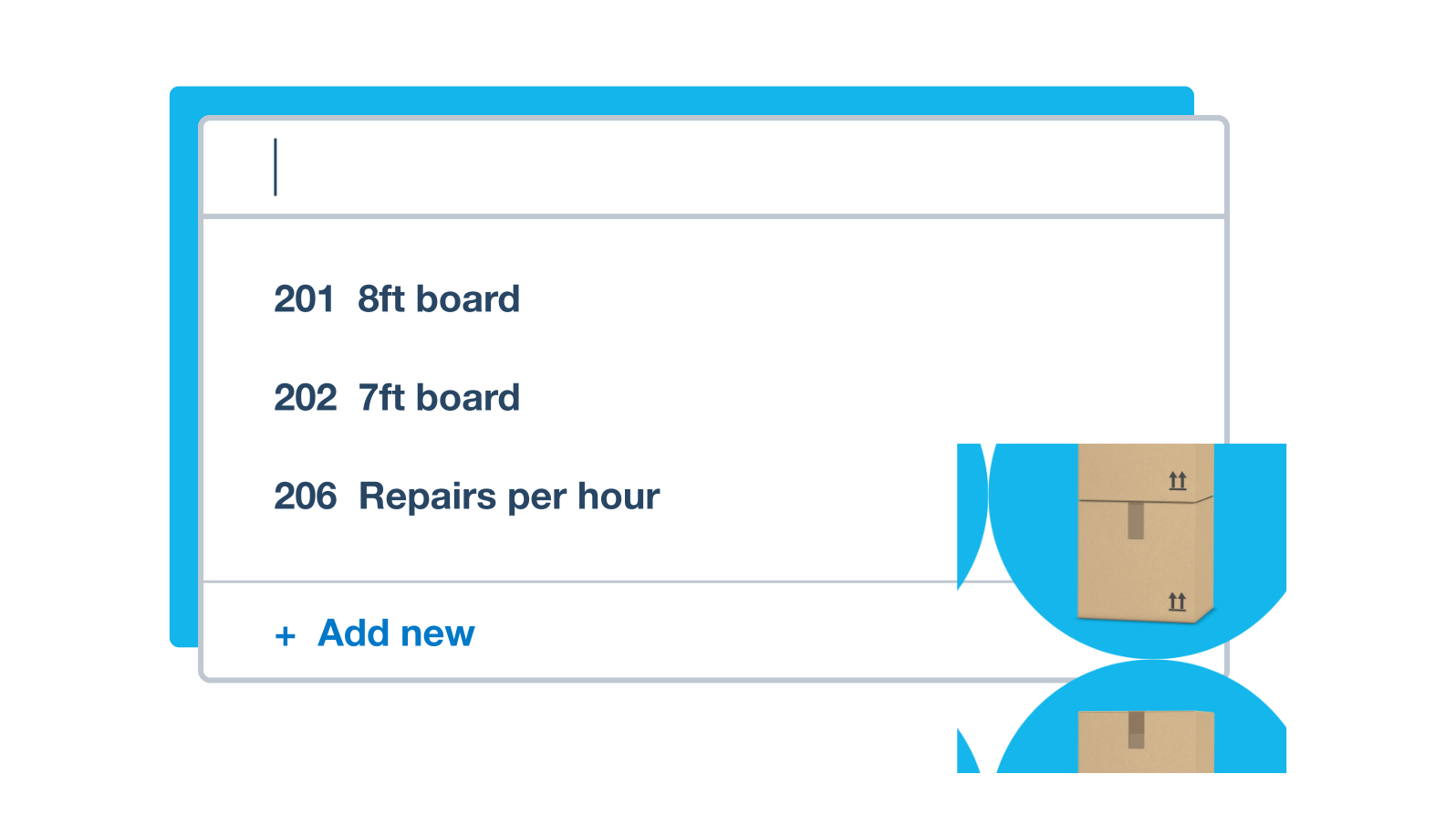
Use inventory listings to speed up your paperwork. Just list each item’s description and prices, then add the information to your quotes, invoices, and purchase orders again and again, instead of typing it in – saving you time every billing day.
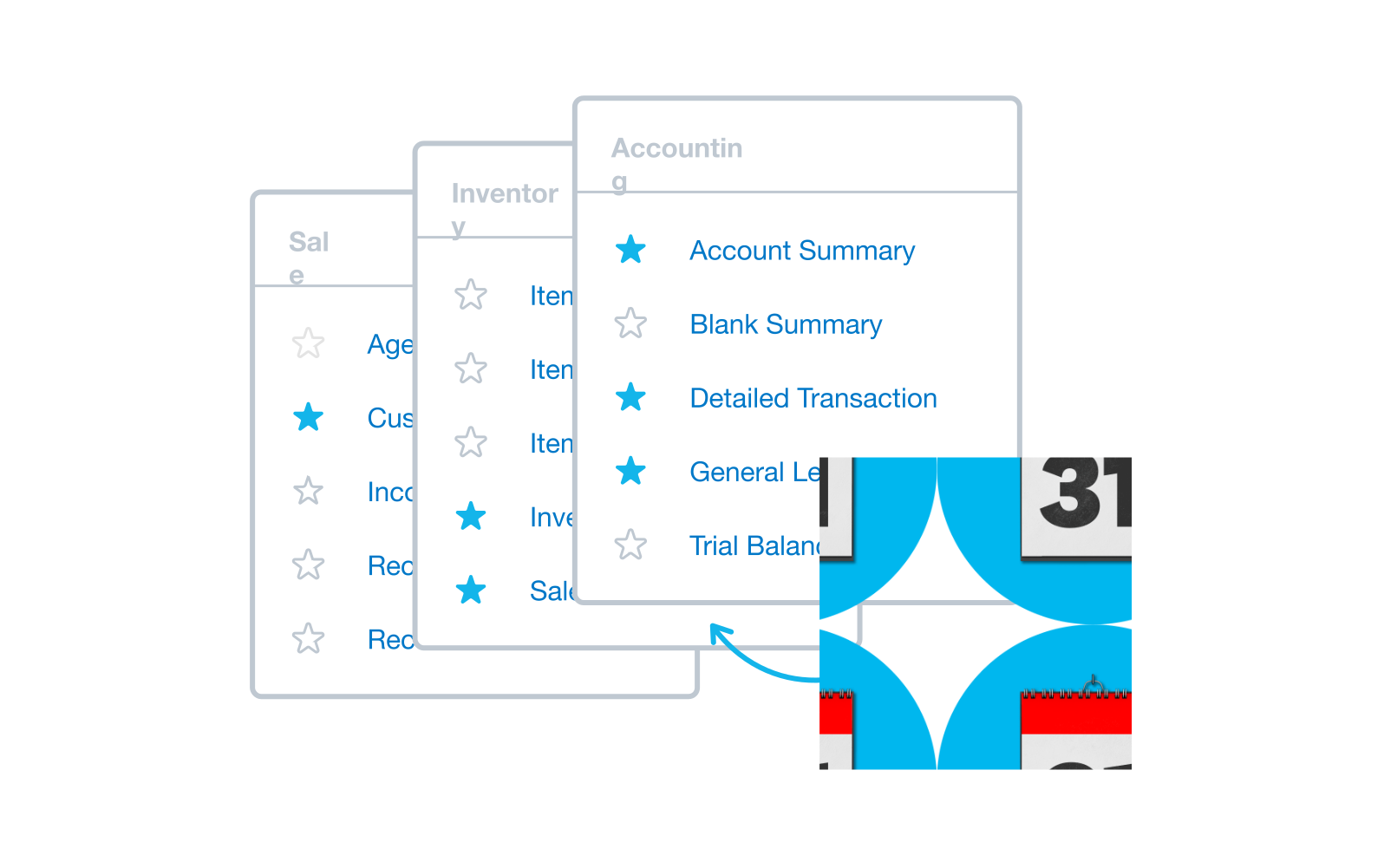 Make better business decisions with Xero business reporting software. Xero reports put real-time data at your fingertips. View profit and loss, balance sheets, cash flow, and a range of other accounting reports and forecasts, whenever you need to.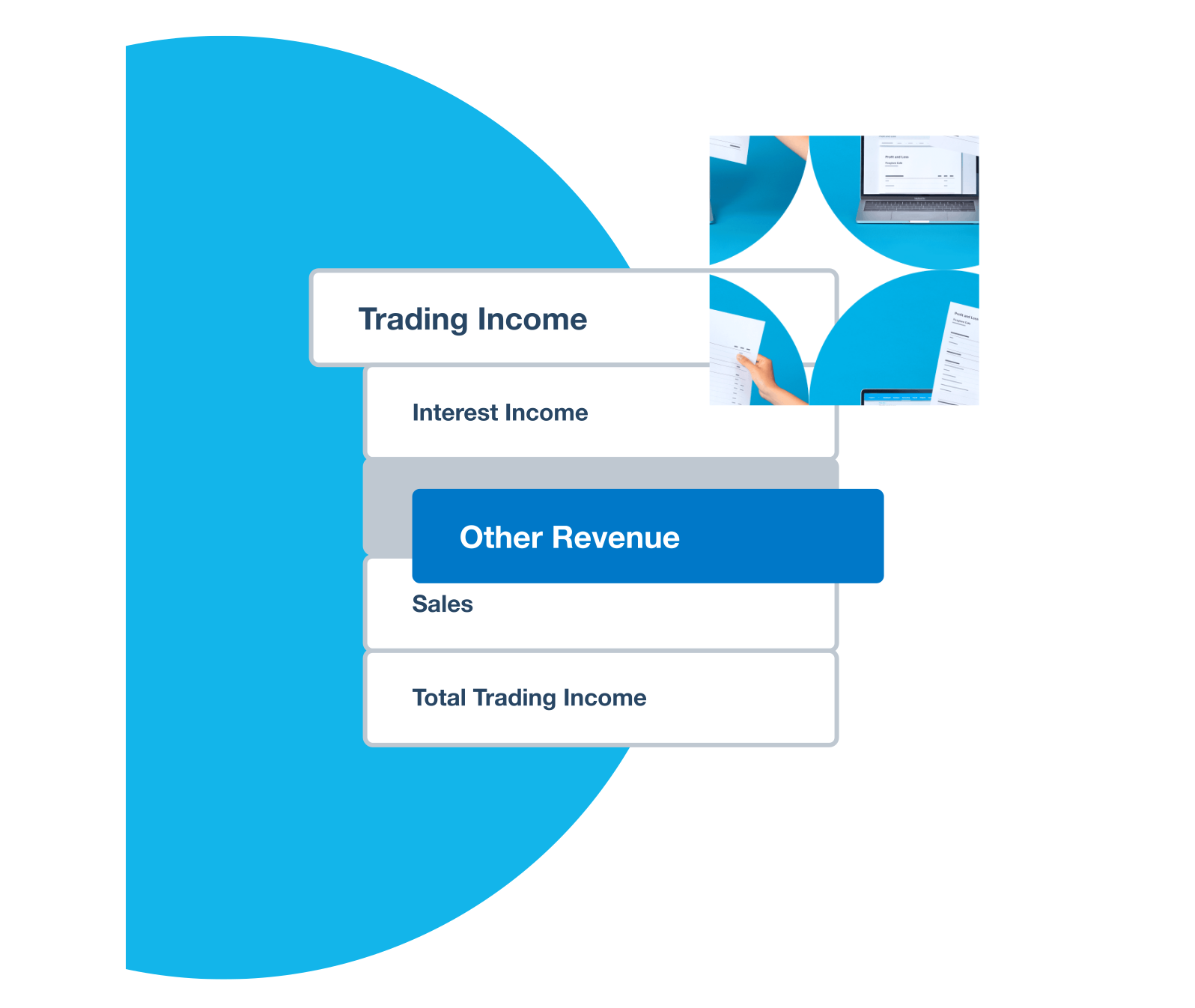
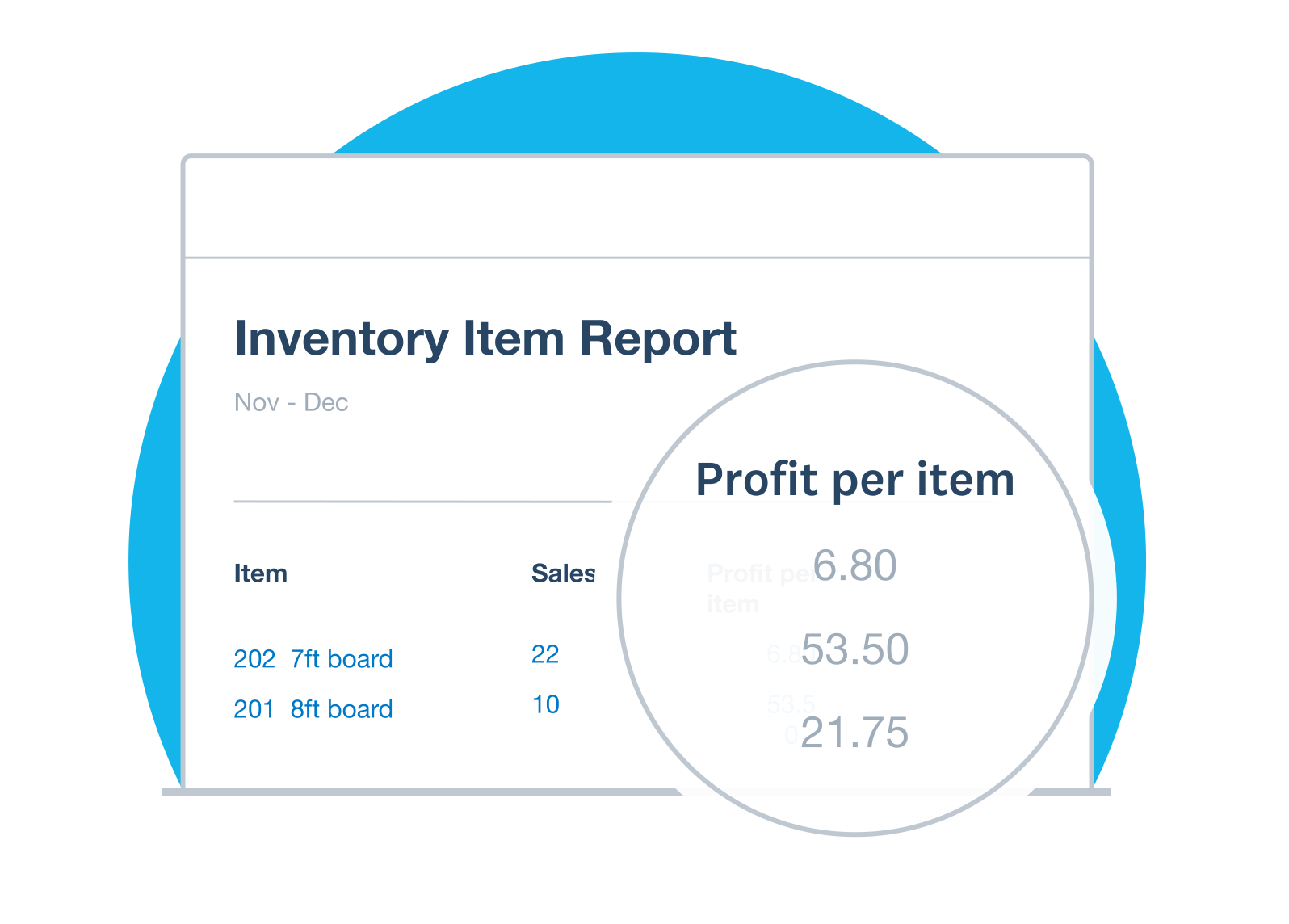 Gain valuable insights into your small business inventory management with simple, actionable data. Optimise sales channels, identify top products, and boost profitability with detailed reports. Use customer spending trends to prepare for seasonality and sales campaigns, futureproofing your business.